Selection Box: Tagged (#510)
← Back to GlossaryShow the current selection box with handles for moving, sizing and positioning the box.
Using the Handled Selection Box opens up a world of possibilities for manipulating your stitch patterns.
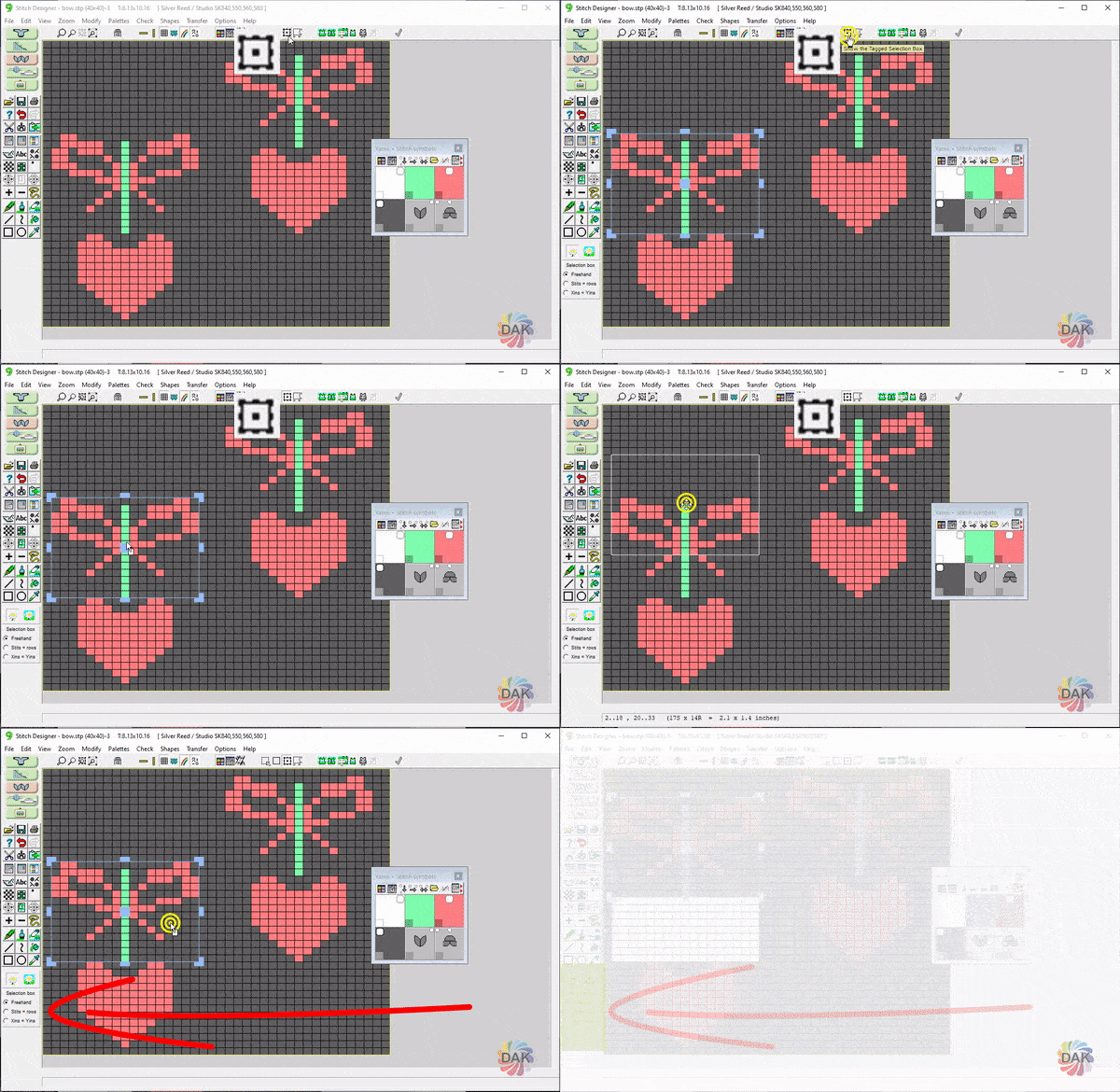
- Click and drag the corners: enlarge or reduce the size of the box without modifying the contents
- Click and drag the center icon: Re-orient the box without changing the size or modifying the contents
- Click inside the box (no handles): Reposition the contents of the box