Selection Box: Draw (#508)
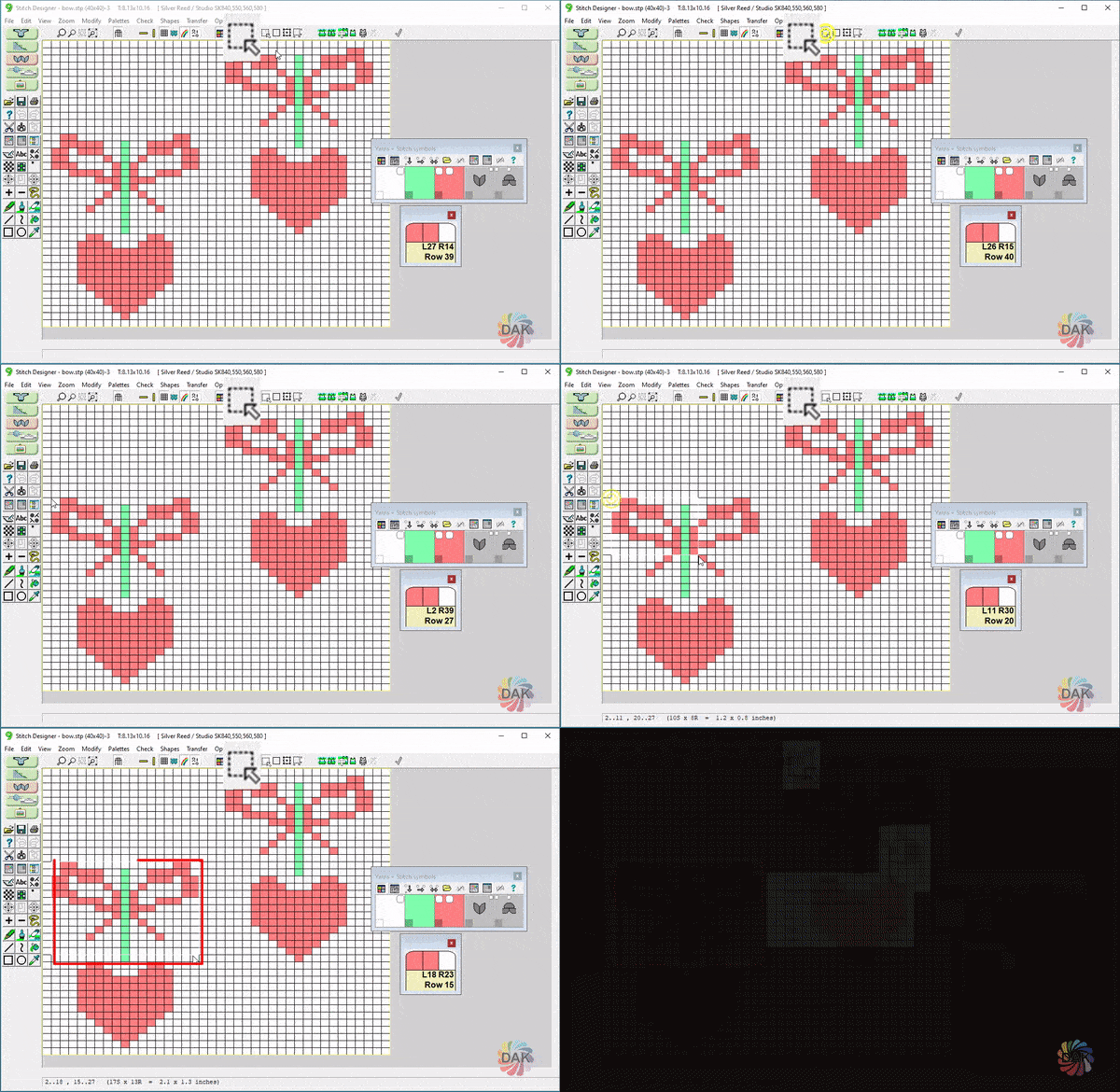
← Back to Glossary A selection box allows you to isolate a specific section of your stitch pattern to edit.
Once a selection box has been chosen, use the other selection box tools (along with other drawing tools) to modify that isolated section. Apply other Stitch Designer tools (move, resize, draw) to that section without modifying the rest of the pattern. Right click will also bring up choices for using the selection box.