Ruler: Horizontal (#447)
← Back to Glossary Display ruler/tape measure directly on the workspace
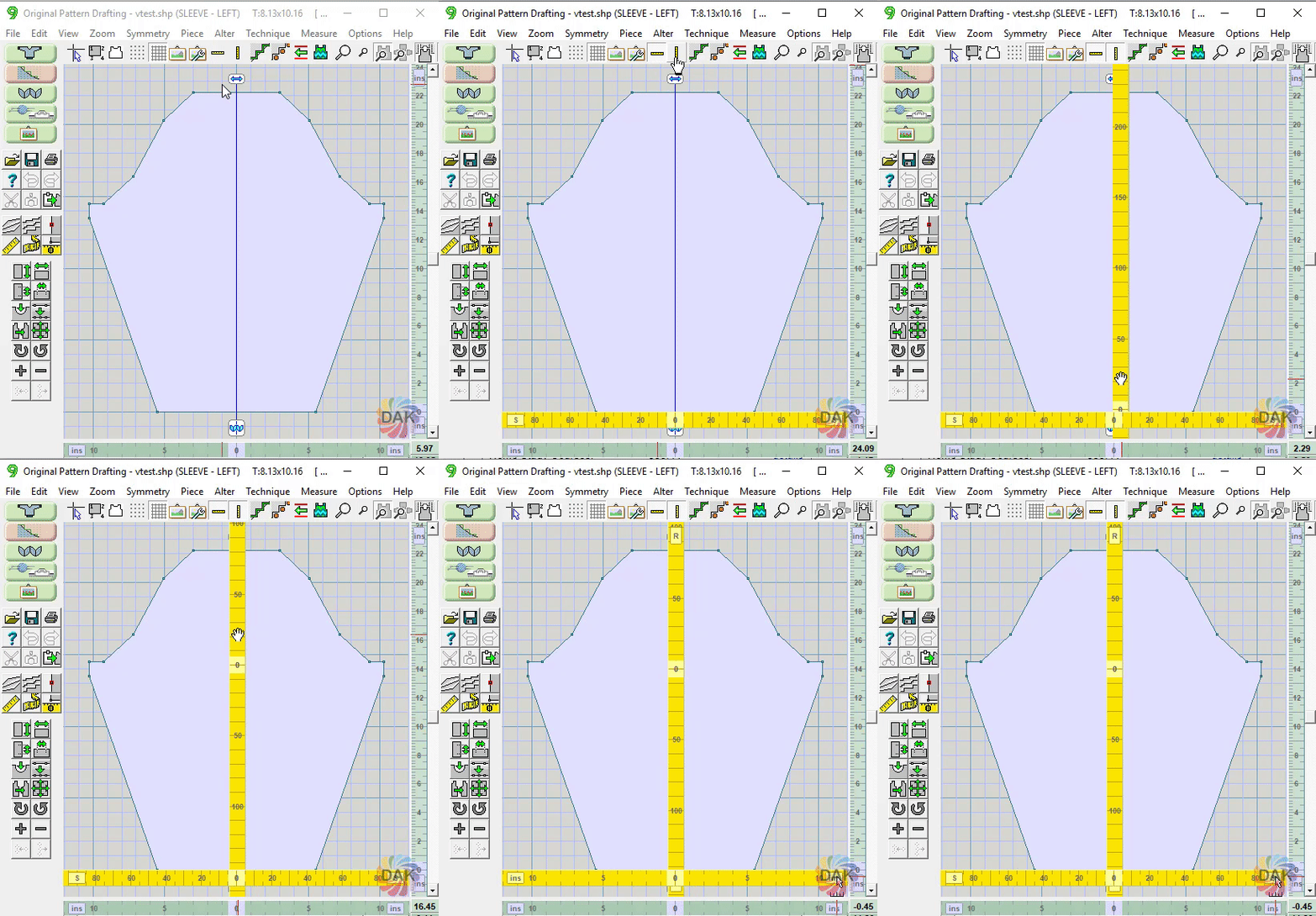
- When the ruler is first displayed "0" is aligned with the "0" origin of the piece
- Rulers can be dragged to any position as needed
- Units (sts/rows or in/cm) can be change with the buttons on the tape measure
- Rulers are "assigned" to each piece separately
- Turning off a ruler with the tool only hides it. The ruler positioning remains
- Changing the orientation of the piece does not move the tape measure