Pointer Position (#500)
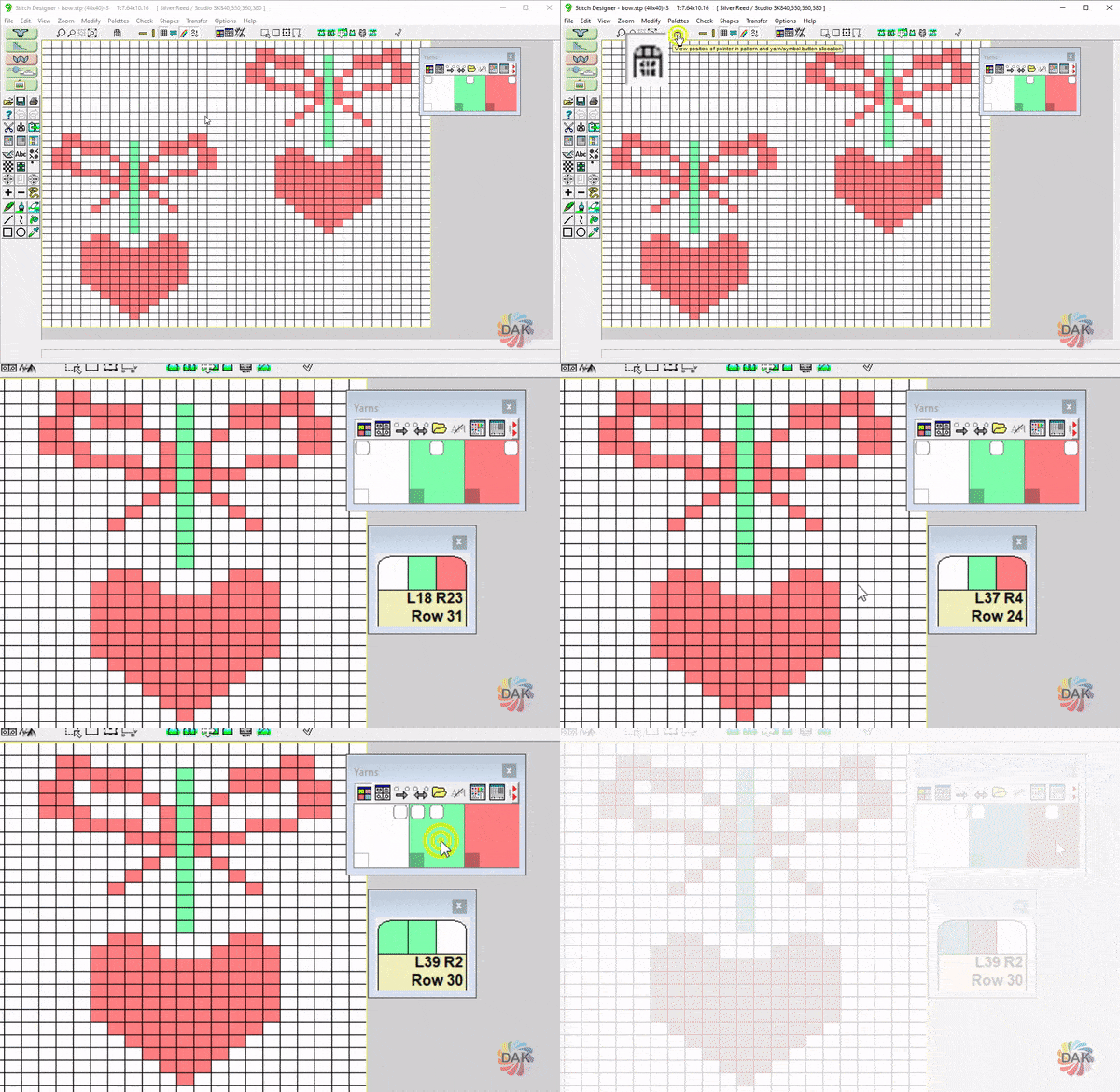
← Back to Glossary Opens up a floating window with information about the current stitch pattern
The Pointer Position Window displays:
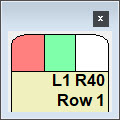
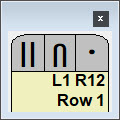
- The color or symbol assigned to each mouse button (left, right, center)
- The current position of the cursor (pointer)
- In the top example - L1 R40 indicates that the cursor is positioned on Row 1 of the STITCH PATTERN in the first column of stitches on the left and 40 stitches from the right. Even if this design were integrated with a garment piece, this tool indicates the position on the STITCH PATTERN, not the needlebed
- The pointer position can also be shown/hidden from File >View > Pointer Position in Pattern
- To determine where the STITCH PATTERN is located in relation to the PIECE, use the "View Pointer Position in Piece" tool.