Integrated Stitch Patterns (#452)
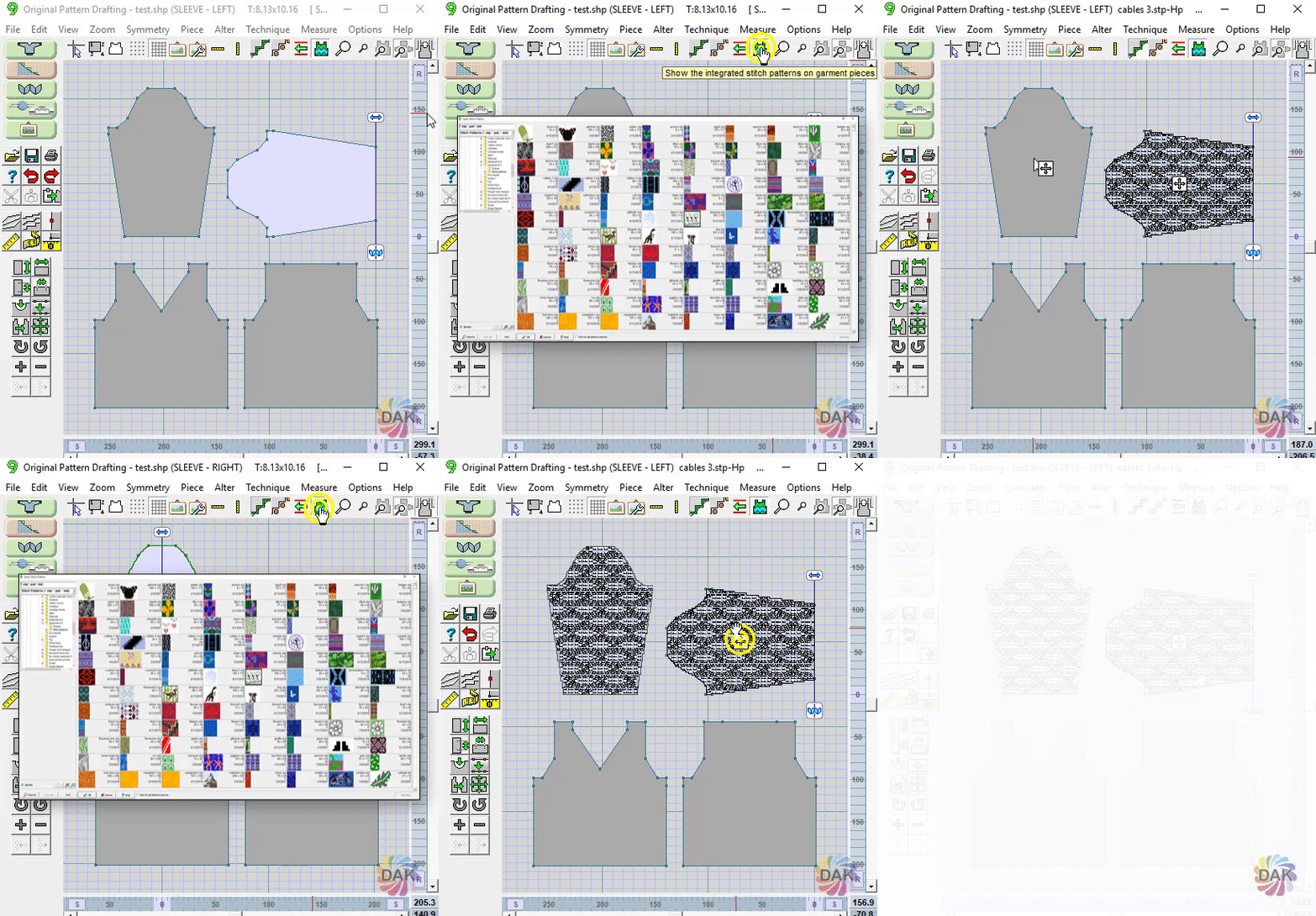
← Back to Glossary The Integrated Stitch Pattern button allows adding, viewing, and positiong a stitch pattern on and ACTIVE piece.
Note: dak 9 now displays the stitch patterns integrated on all pieces (active or not)
- If there currently is no stitch pattern integrated, clicking the tool will open a thumbnail viewer
- If there currently a stitch pattern integrated, a 4 arrow tag will display:
- Double click the button to re-select a stitch pattern with the thumbnail viewer
- Hover over the button and the cursor will change to a hand. Drag to re-position the stitch pattern on the piece