Insert Row/Columns (#483)
← Back to GlossaryInsert rows and columns in an existing motif

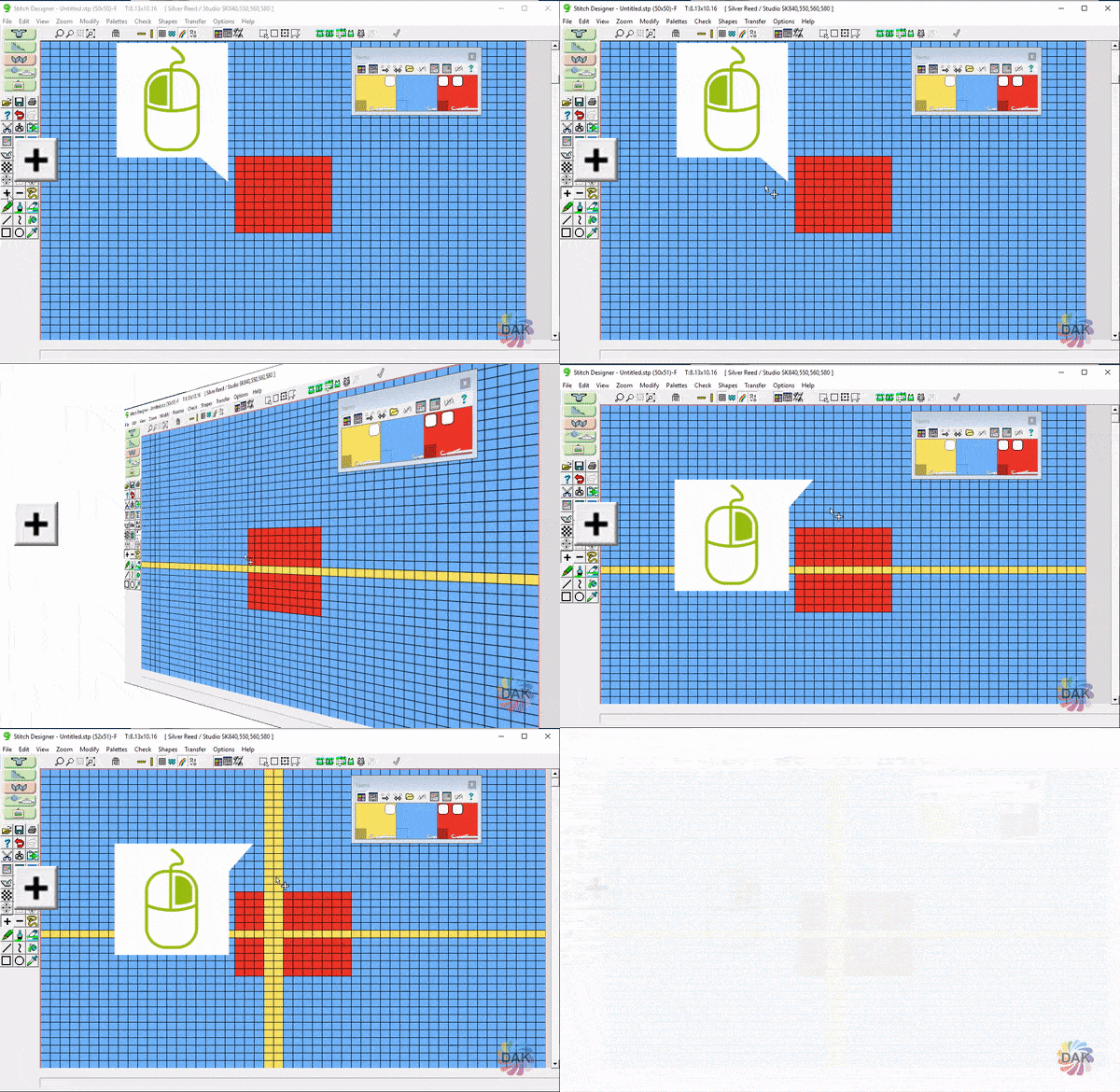
In the example below, the RIGHT mouse button is assigned the color YELLOW
- LEFT click and drag to insert ROWS
- RIGHT click and drag to insert COLUMNS
- BOTH new columns and new rows will be yellow (the right mouse button color)