In the previous section we discussed DesignaKnit and color with knitting machines. You set up DesignaKnit to send "signals" (punchcard or electronic) that tells the machine when to select needles. How the needles are selected, how the carriage is set and the position of yarn in the yarn feeders all determine the results of knitting with color.
In this module, we will put DesignaKnit's Smart Symbols to use
Use Existing Stitch Patterns: Smart Symbols
Built-in Intelligence
Smart Symbols
Use Existing Stitch Patterns: Smart Symbols
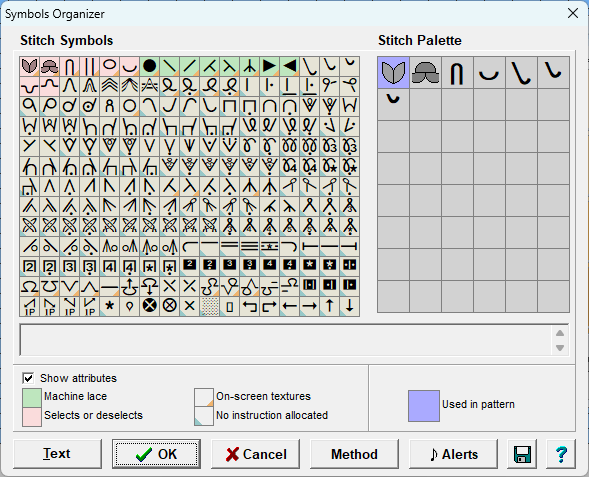
Stitch Symbol Palette
Stitch Designer Symbols Organizer
Use Existing Stitch Patterns: Smart Symbols
Create your own pattern
create your own stitch patterns
Use Existing Stitch Patterns: Smart Symbols
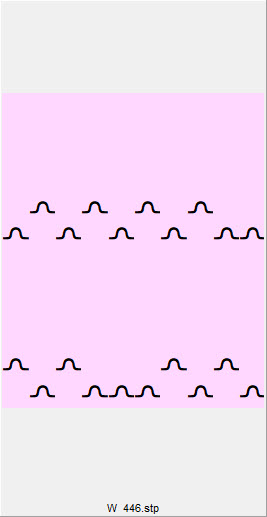
Lace Stitch Patterns
Lace on the Knitting Machine
Lace lessons learned
Use Existing Stitch Patterns: Smart Symbols
Personal Stitch Palette
Stitch Designer custom palette
Use Existing Stitch Patterns: Smart Symbols
Right and Wrong Side Facing
DesignaKnit automatically assigns the selecting/deselecting state to smart symbols. You cannot change the state. (When working with colors, you can choose the state for each color. this impacts which yarn feeder is used per color)
For the Fair Isle method it depends on the state of the Color Changer (yarn feeder)
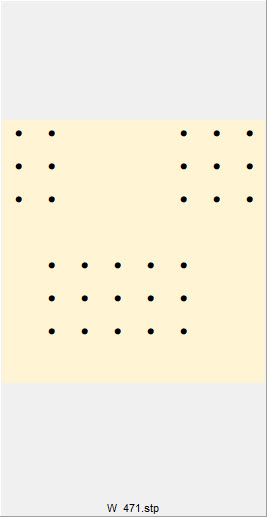
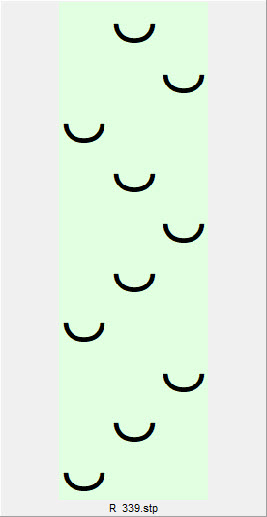
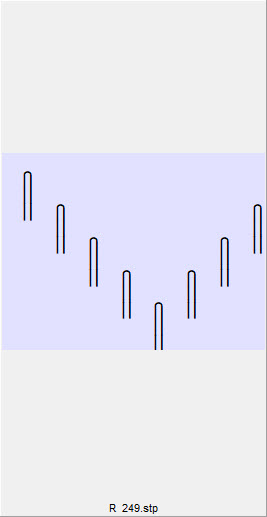
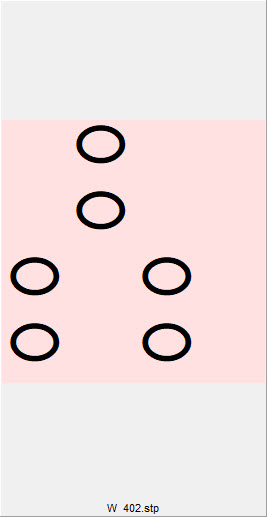
Right/Wrong Side Facing Examples
Garter Stitch Wrong Side Facing
Slip Stitch Right Side Facing
Weaving Wrong Side Facing
Tuck Stitch Right Side Facing
Thread Lace Wrong Side Facing
.
Use Existing Stitch Patterns: Smart Symbols
Select a lesson from the menu above to get started.