The modules of DesignaKnit are used the same way for all machines.
The only difference with the LK150 is the inability to download stitch patterns.
Here are a few notes that are specific to your LK150:
Assign Your Machine
Why Swatch First?
Cable Connection
Select Needles
LK150 - Specific Notes
Assign your machine
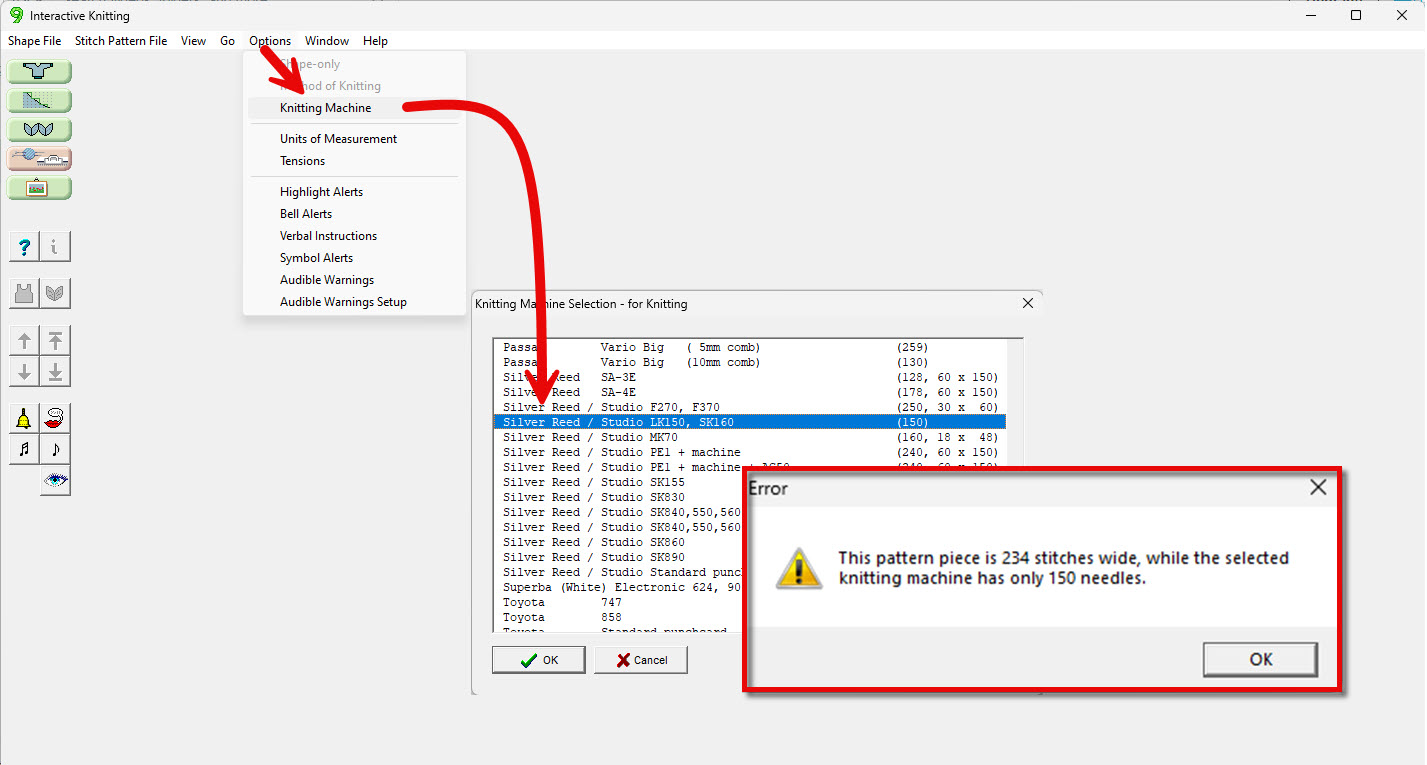
As you are creating your design, assign your machines to let DAK know how many needles you have.
In this example, DAK will not allow you to use Interactive Knitting if the garment pieces has more than 150 needles.
(If you've extended your needlebed, choose another machine from the list)
LK150 - Specific Notes
Why Swatch First?
As you know, establishing your gauge before knitting is critical to your success as a knitter.
Why establish gauge before designing a sweater in DesignaKnit?
Let DesignaKnit calculate if you have enough needles for your size at your gauge.
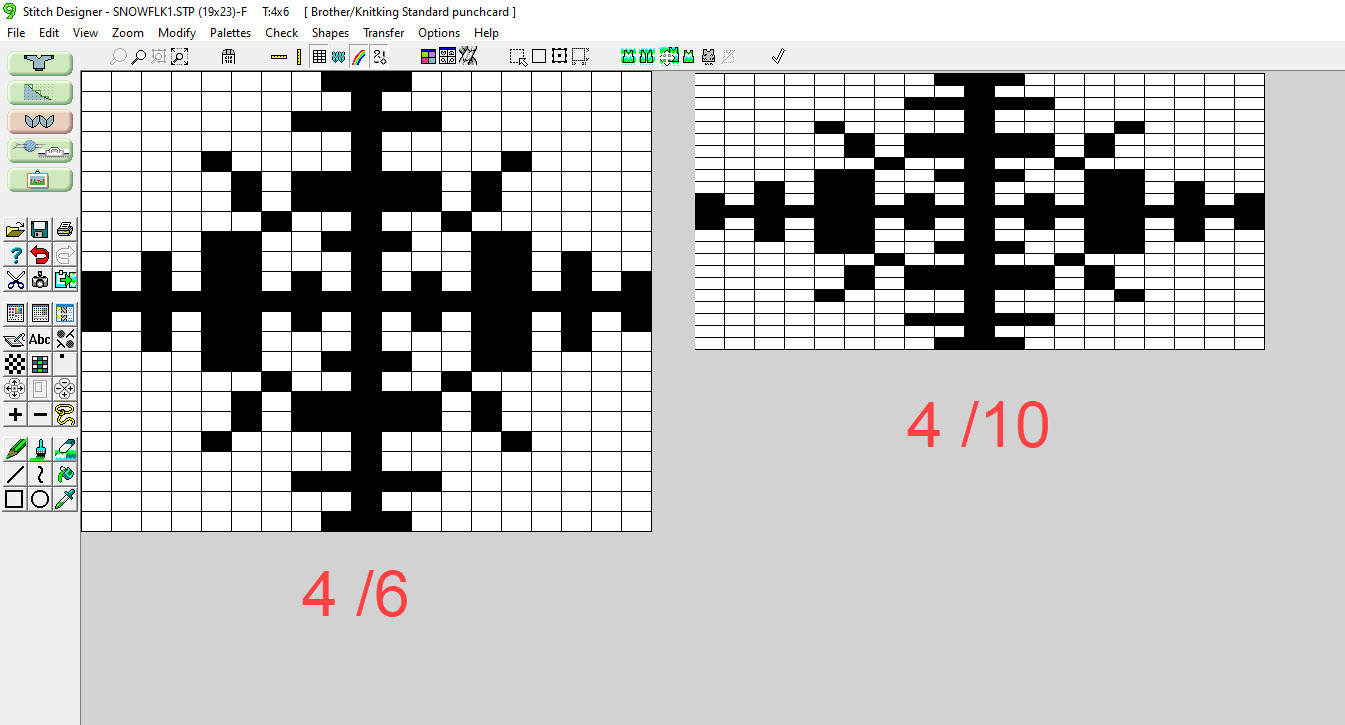
Ensure that stitch patterns you create on screen will have the correct knitting ratio for best appearance.
One of the powerful features of DAK is the ability to create garment pieces that can be used again and again at different gauges.
But when creating stitch patterns, it is important to know your gauge
(or at least have a close estimate).
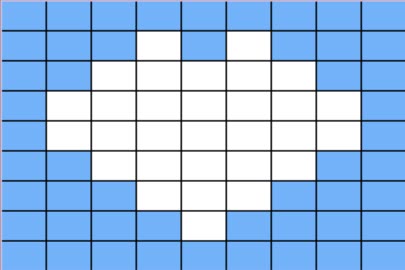
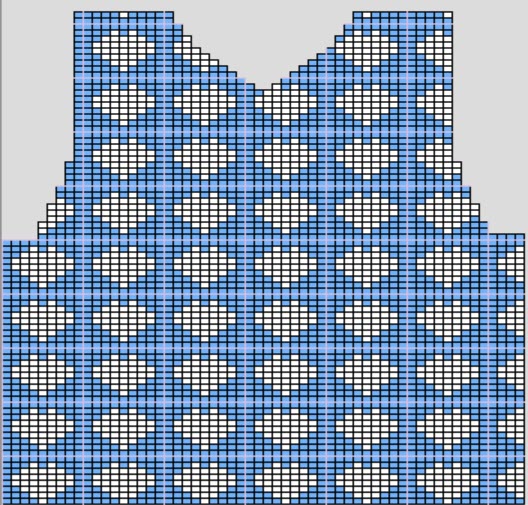
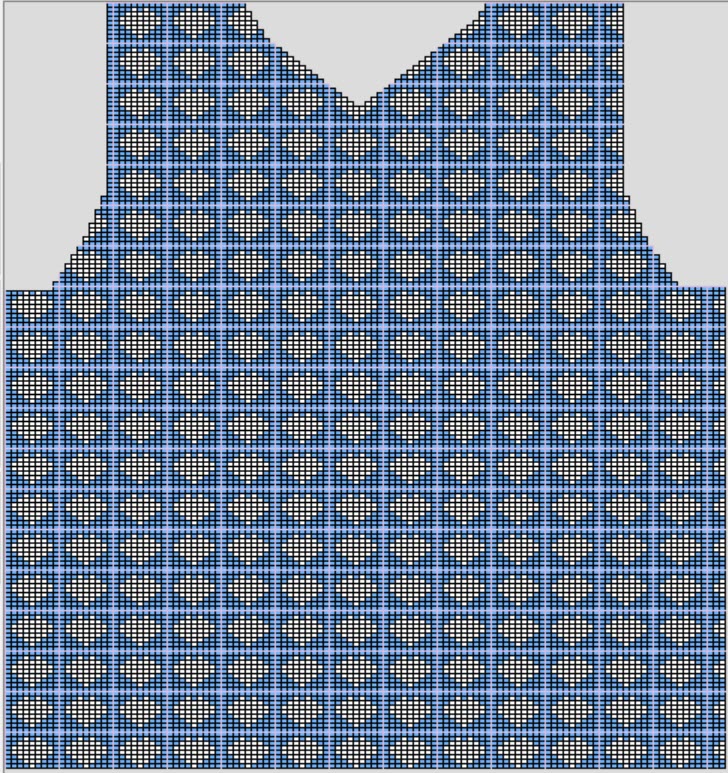
For example, I want to use this simple heart stitch pattern as an overall design.
I've created it at 4 stitches and 6 rows per inch. When I integrate the hearts onto my garment piece, the appearance looks pretty good.
But if my actual gauge is 8 stitches and 12 rows, the appearance of the hearts is completely different.
Bottom line, it's not critical to establish your gauge when you first start designing your sweater, but keep in mind the impact of gauge when creating stitch patterns.



 Interactive Knitting
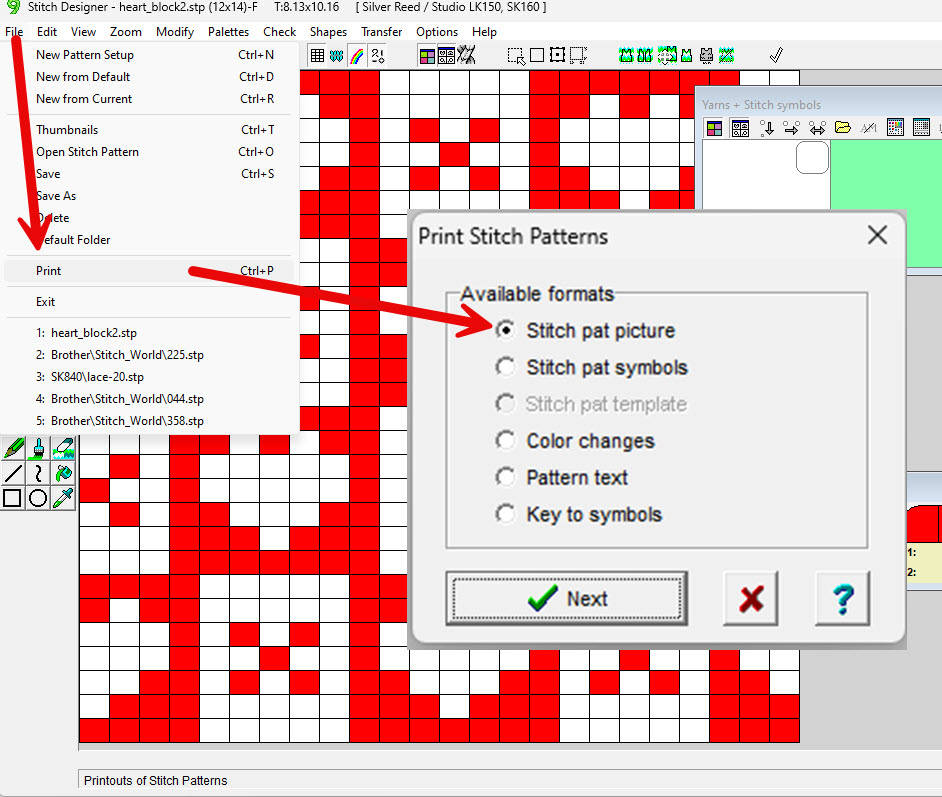
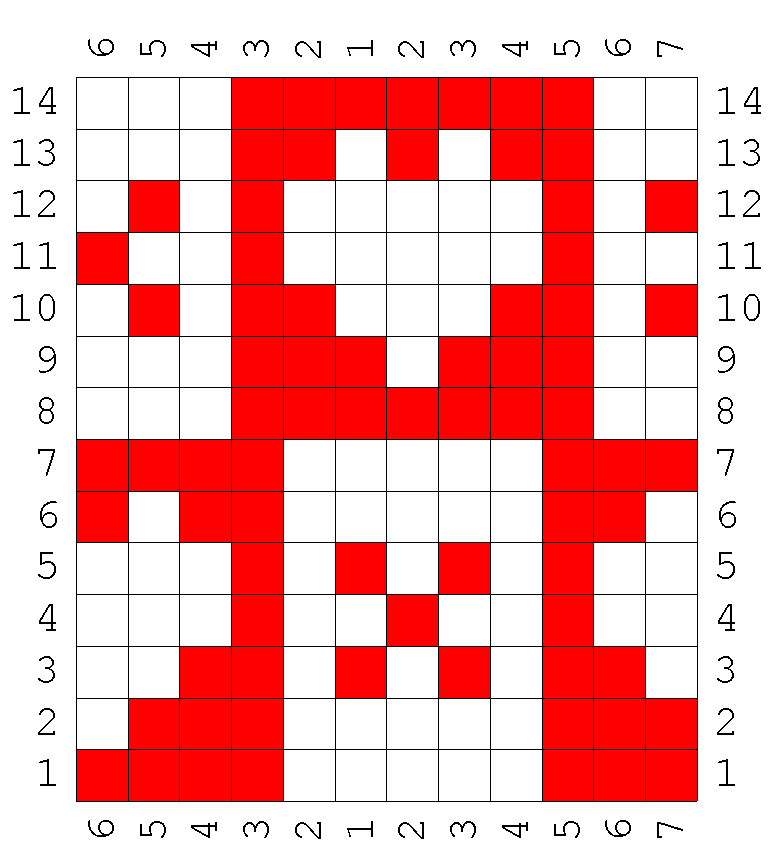
 Print: Stitch Pattern Picture / Symbols