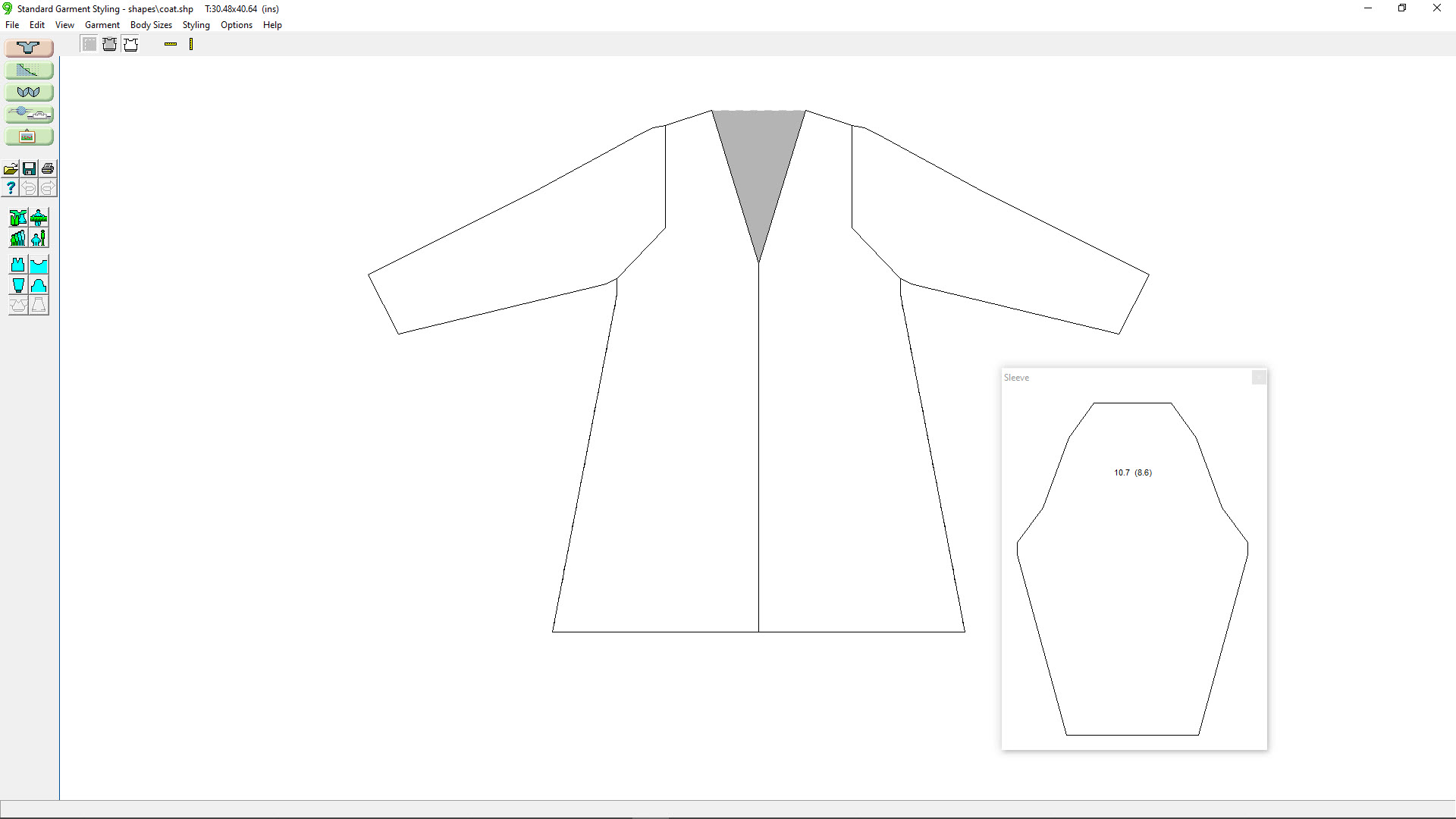
You've created the garment style you want. You've made all the design and fit choices.
You've knit your swatch and entered your gauge.
Without using any other section of DesignaKnit, it's time to get knitting!
In This Lesson
Printing and Interactive Knitting
Printing for Charting Devices
Garment (Japanese) Notation
Adding Stitch Patterns
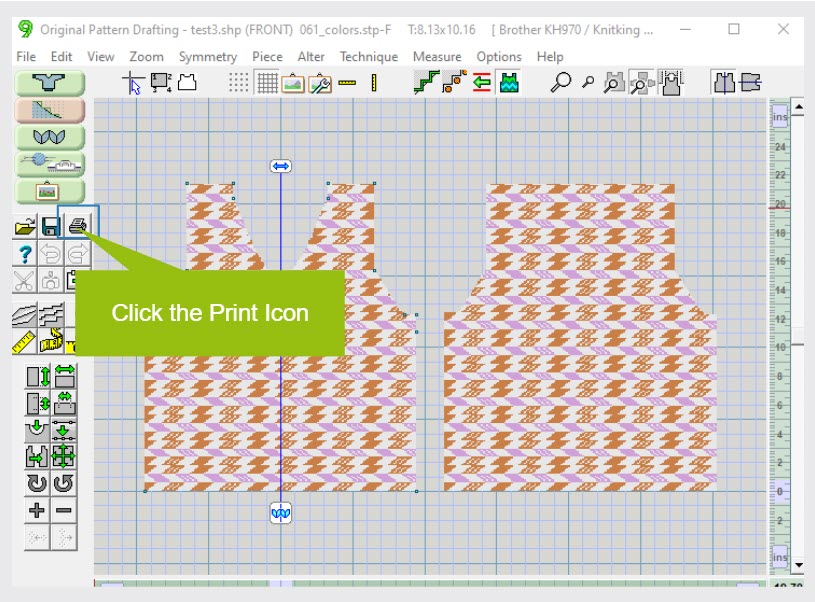
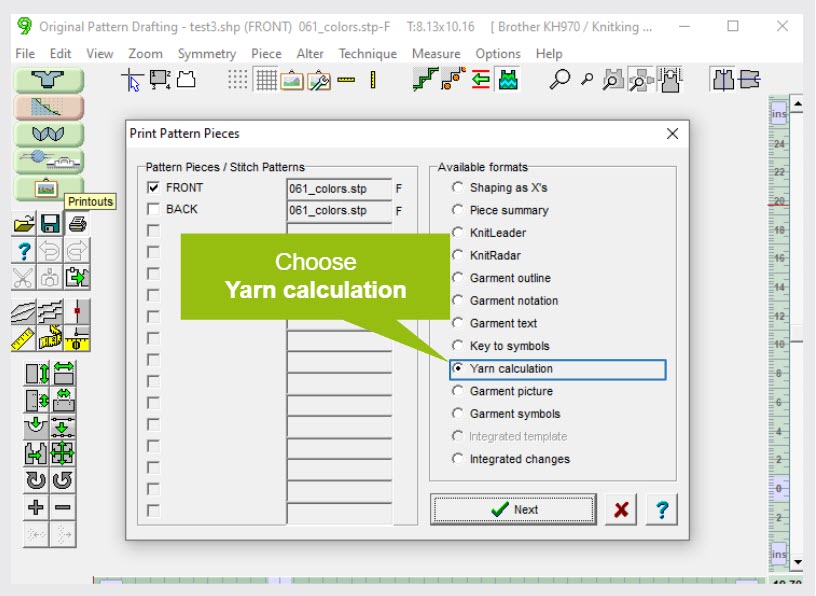
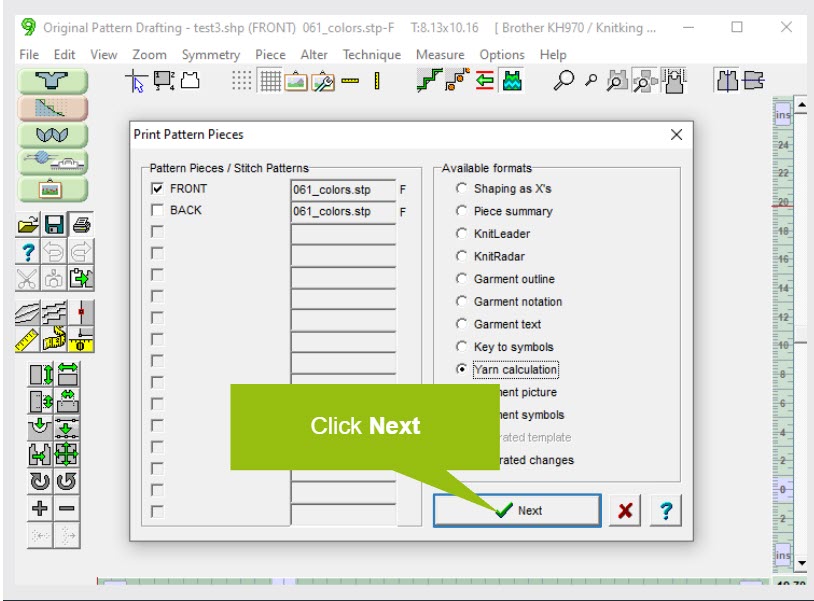
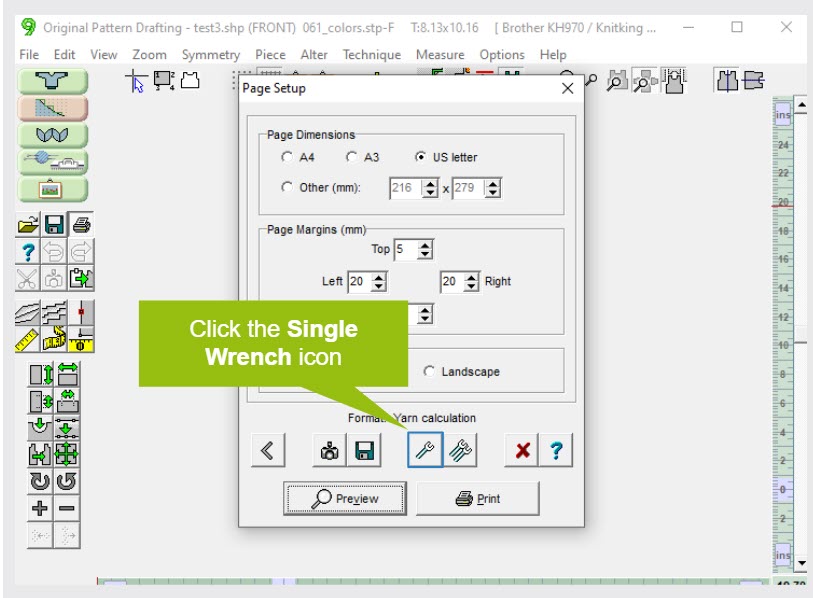
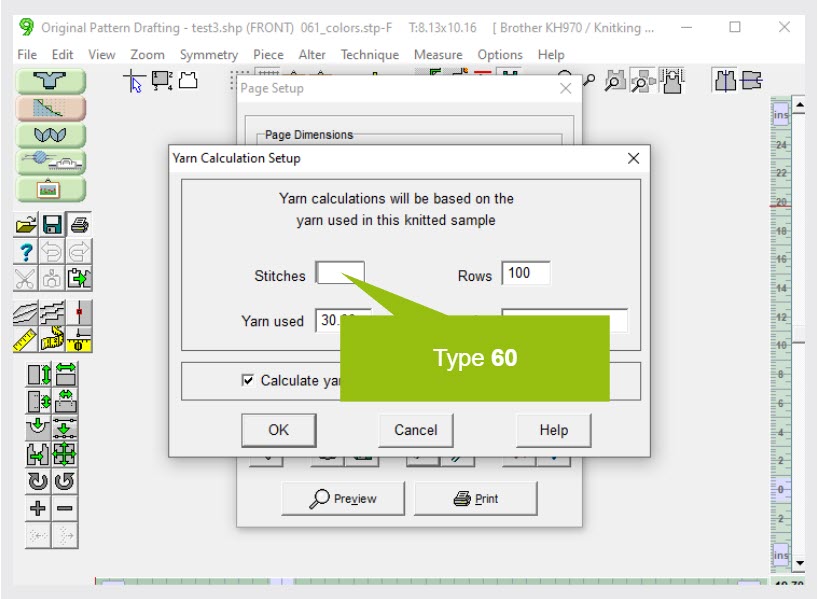
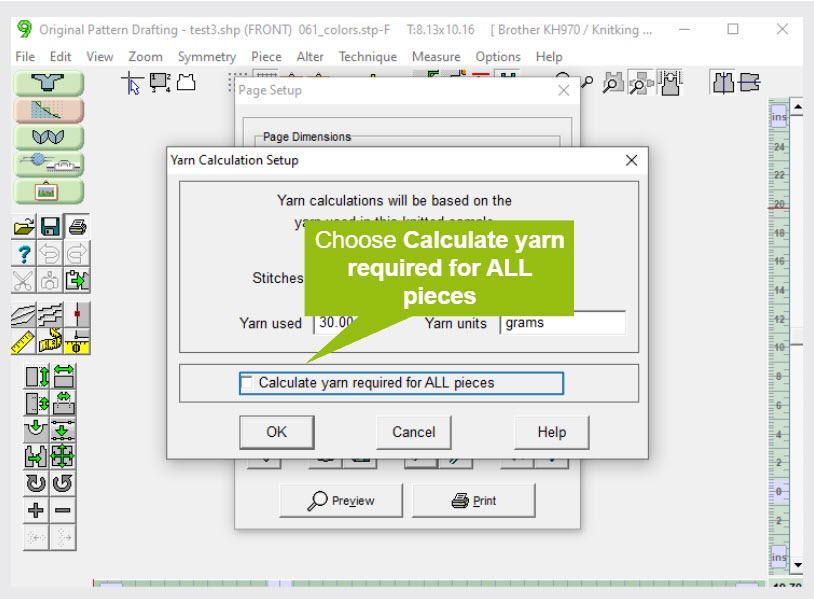
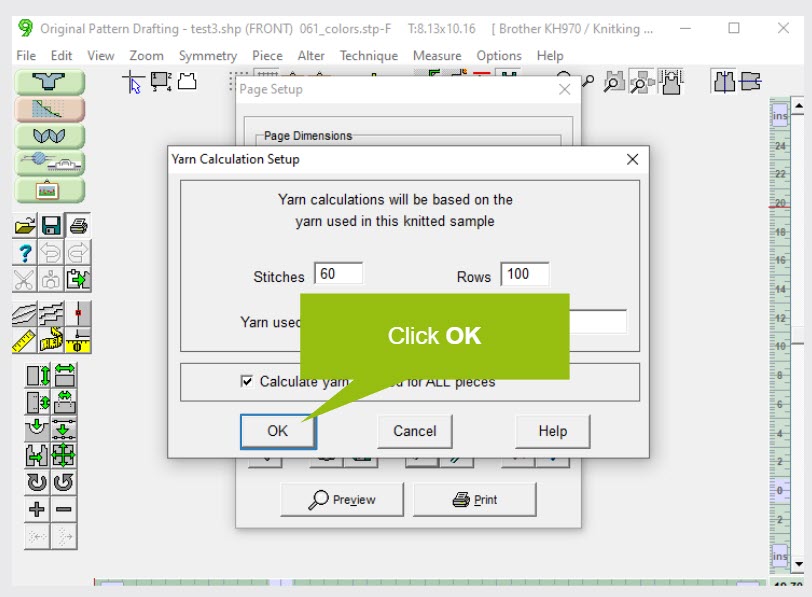
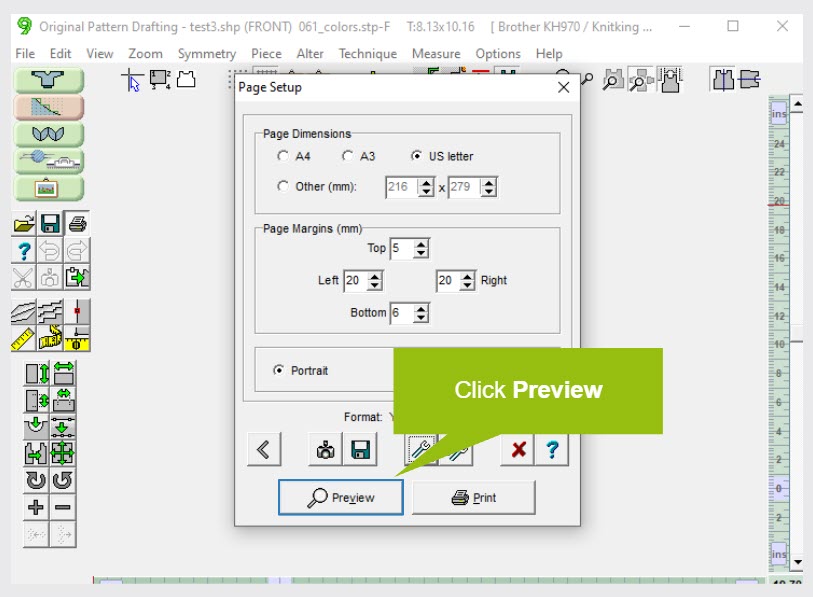
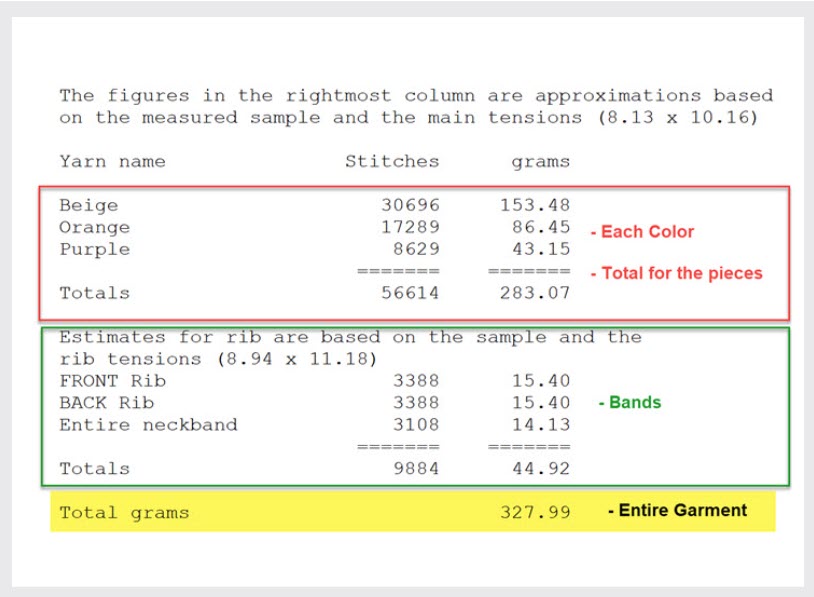
How Much Yarn Do I Need?
Yarn Calculation Practice
Original Pattern Drafting
It's time to get knitting!
Click to enlarge
What's Next? Use your New Pattern
Printing and Interactive Knitting
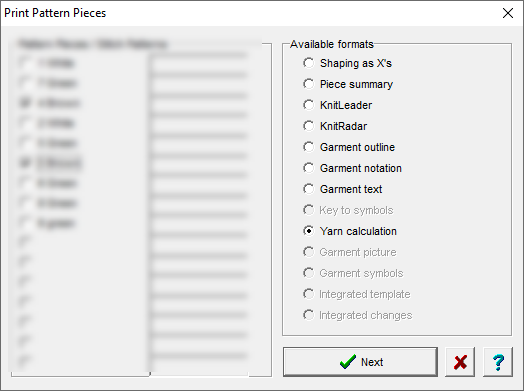
Printing Options
DesignaKnit offers a wide range of print formats.
Do you use a charting device such as a Knit Leader, Radar, or Contour? You can print a to-scale drawing.
What about Garment Notation, also called Japanese Notation? Take time to explore the print options.
Click to enlarge
What's Next? Use your New Pattern
Print for Charting Devices
DAK will take your garment shapes and create outlines to use with your Charting Device. Common names are Knit Leader (Brother) and Knit Radar (Singer/Silver/Studio). Which print format works best for your charting device?
What's Next? Use your New Pattern
Garment (Japanese) Notation
Garment Notation (Japanese Notation) is a traditional printing format for knitters. It gives you knitting instructions in a compact, visual way.
DesignaKnit allows us to modify the instructions for our preferences.
What's Next? Use your New Pattern
Adding Stitch Patterns
You have your basic garment knitting instructions in your desired format, walk away from the computer ....
Stick a punchcard in your punchcard machine
Use a built-in stitch pattern in your electronic machine
Knit in plain knitting
Work a little hand manipulation
Get Knitting!
Learn how to use Stitch Designer
For the more adventurous, your next step is to use Stitch Designer
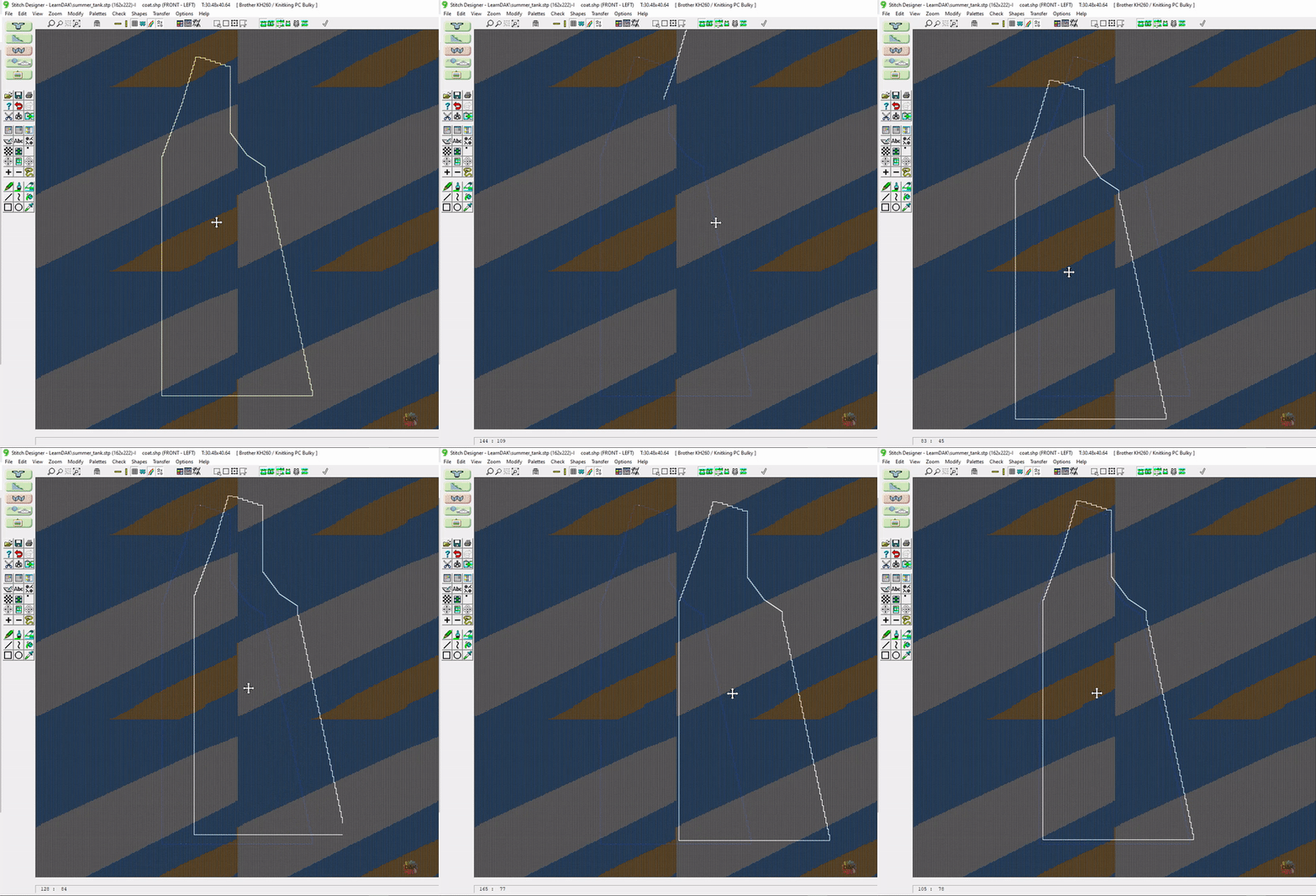
to position a stitch pattern on your pieces.
Actually, you position your garment pieces on your stitch pattern.
We've spent a lot of time talking about fine-tuning your design here in Standard Garment Styling.
As you have probably discovered, there are limitations to what you can do.
DesignaKnit provides a wide range of garment styles and lots of ways to manipulate them for custom knitting patterns, but there is so much more you can do!
The next step on your journey in using DesignaKnit is taking the garment you designed and manipulating it even further.
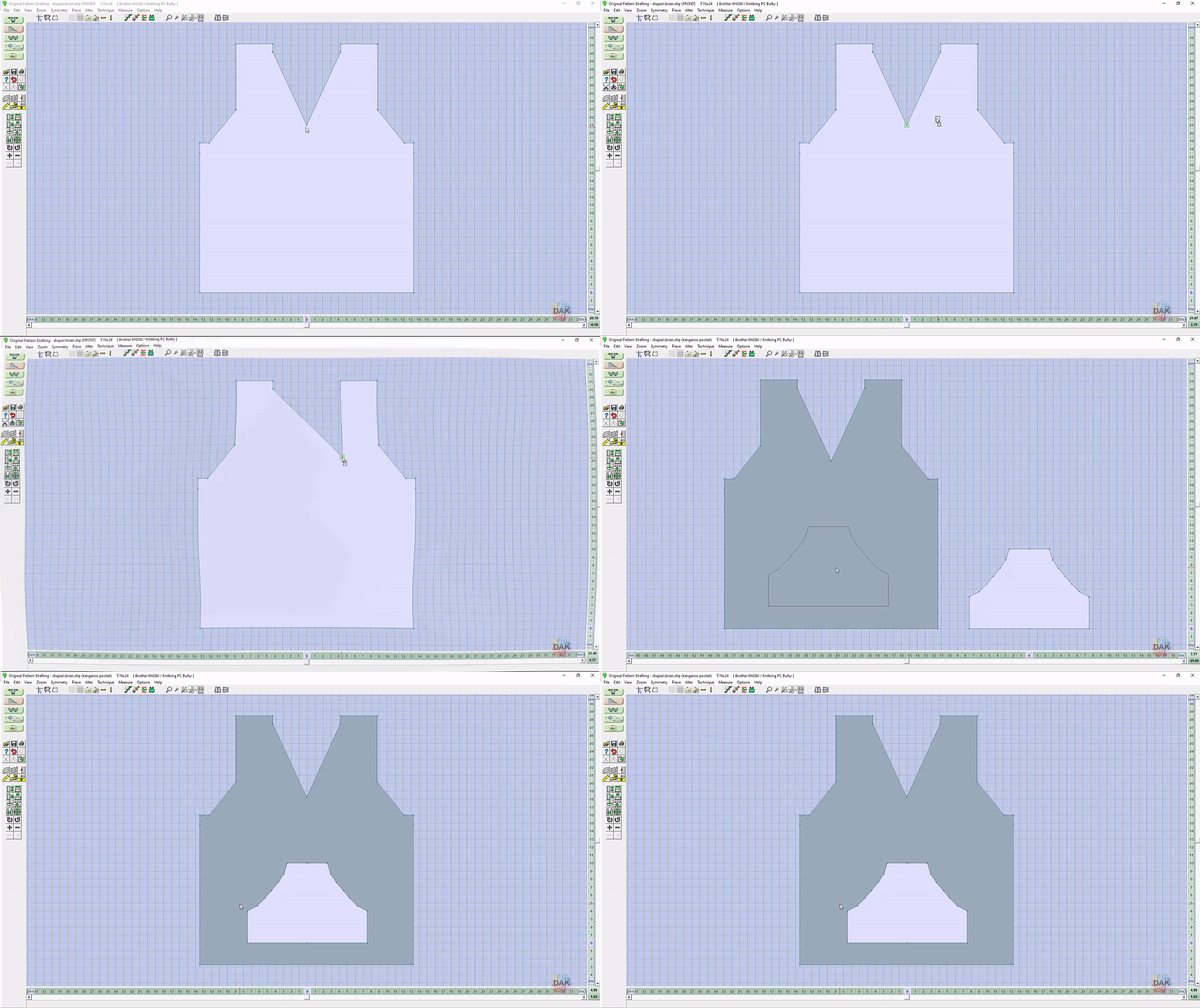
You will have fine-tuned the fit in Standard Garment Styling, but what if you want an asymmetric neckline? Or a high-low hem? Maybe you want to design collars and pockets.
Think of the design you just created as a template for your creativity!
The next step on your journey in using DesignaKnit is taking the garment you designed and manipulating it even further.
What's Next? Use your New Pattern
Select a lesson from the menu above to get started.