

The Goal
Don’t get overwhelmed with the power of DAK… take it step by step, learn the logic behind the software and the tools available to you and the possibilities are endless!
DAK is smart.
It's built on a platform that "thinks" in terms of stitches and rows.
Original Pattern Drafting is one of the 5 programs within DesignaKnit.
Think of it as your drafting table surrounded with all the tools you need to create knitted designs. But instead of pencils, rulers and french curves, you'll design on the DAK desktop.
When designing in Original Pattern Drafting, you will be working with Pieces and Points. Pieces represent knitted pieces such as back, front and sleeves of a sweater. Points control the lines that define the pieces. Think of the lines as the cast on and bind off edges and the sides of your knitted pieces.
By manipulating the pieces and points, you establish the dimensions of your knitted pieces and DAK translates these lines in your workspace into knitting patterns.
It's built on a platform that "thinks" in terms of stitches and rows.
Think of it as your drafting table surrounded with all the tools you need to create knitted designs. But instead of pencils, rulers and french curves, you'll design on the DAK desktop.
When designing in Original Pattern Drafting, you will be working with Pieces and Points. Pieces represent knitted pieces such as back, front and sleeves of a sweater. Points control the lines that define the pieces. Think of the lines as the cast on and bind off edges and the sides of your knitted pieces.
By manipulating the pieces and points, you establish the dimensions of your knitted pieces and DAK translates these lines in your workspace into knitting patterns.
There are a number of ways you can use the knitting patterns that DAK generates:
- Create outlines to use with a Charting Device (Knit Leader, Knit Radar)
- Create knitting instructions in Garment (Japanese) Notation format
- Knit visually with Interactive Knitting
- Download to an electronic knitting machine
We suggest you work step by step through the material and exercises in this course.
Original Pattern Drafting is very powerful software. With power comes complexity. You can use this module on a number of different levels
Original Pattern Drafting is very powerful software. With power comes complexity. You can use this module on a number of different levels
- Calculate a simple blanket …. How many stitches should I cast on and how many rows should I knit?
- Modify garment designs created in Standard Garment Shaping
- Copy hand knitting patterns from a diagram
- Copy hand knitting patterns from written instructions
- Create unusual shapes for knitting
- Make simple to complex modifications for unique knitwear designs

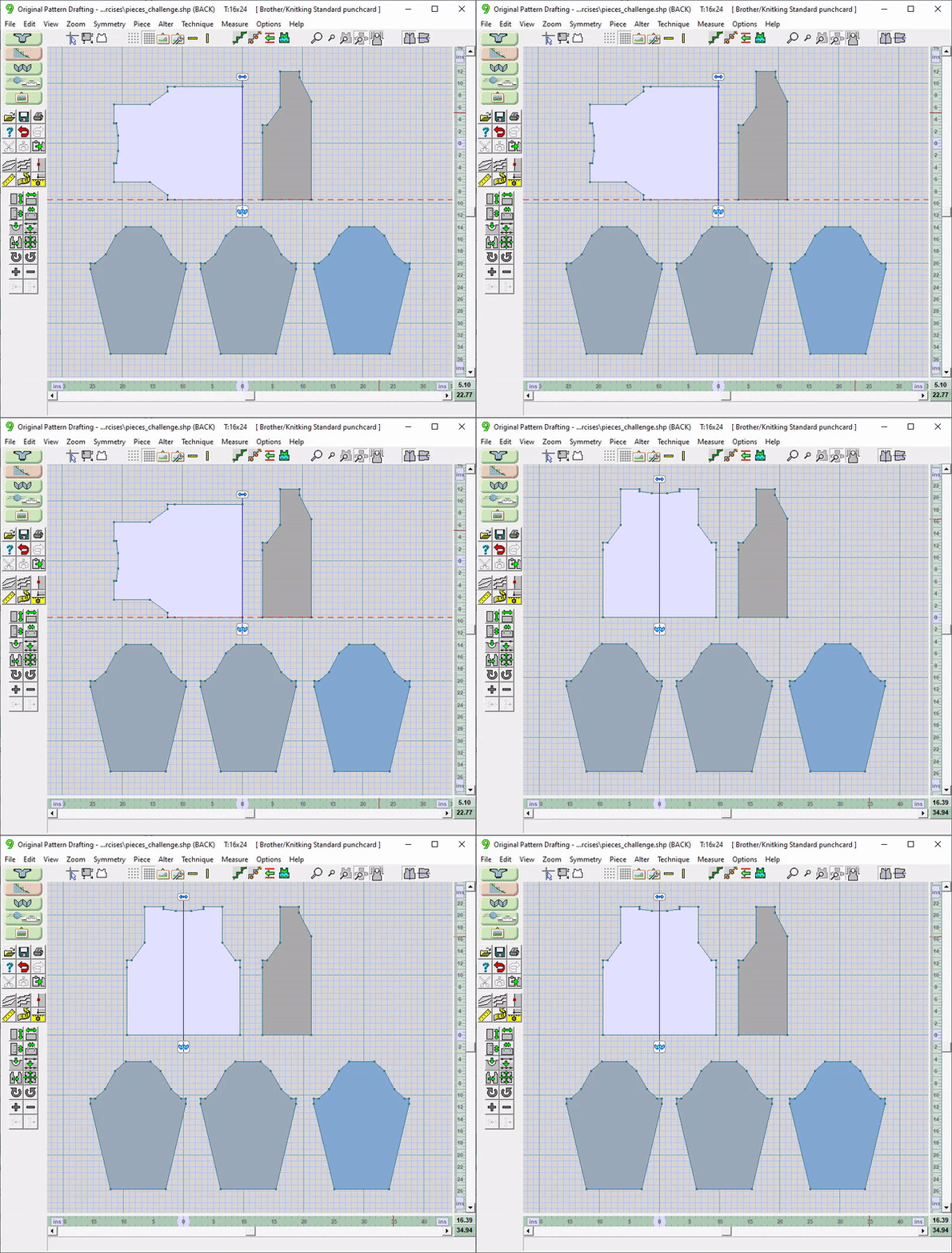
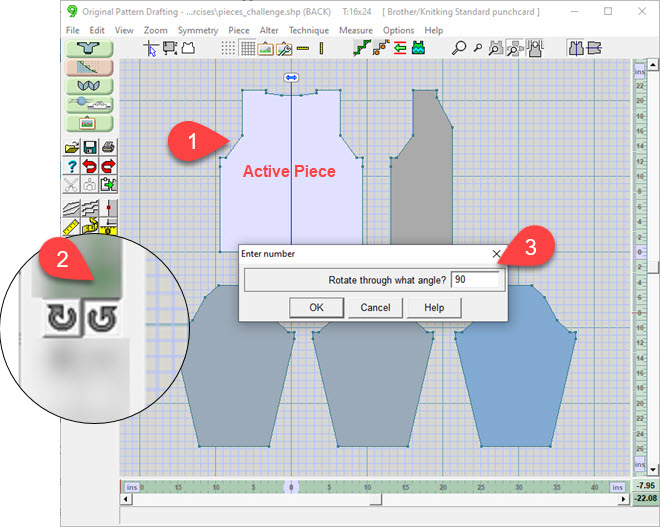
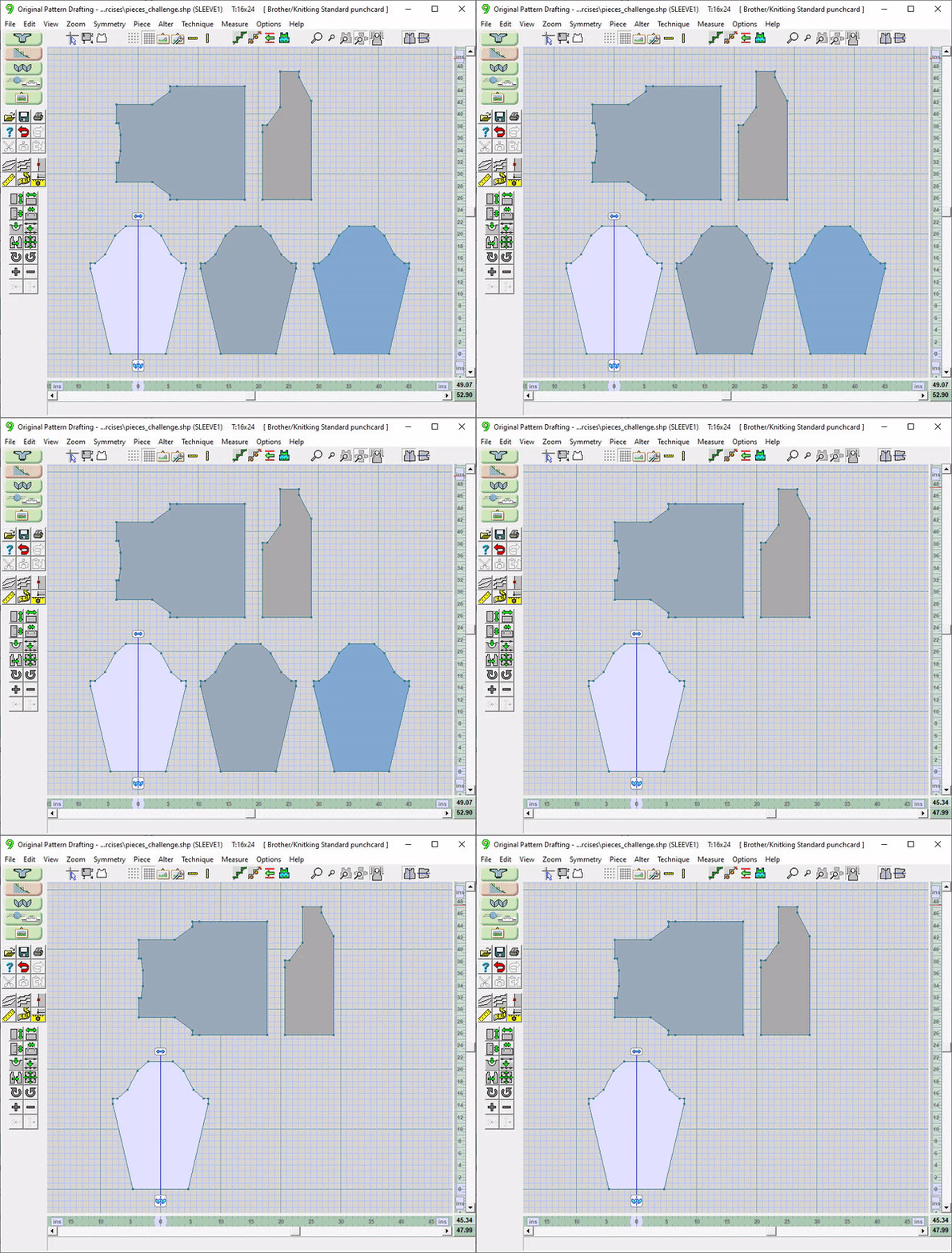
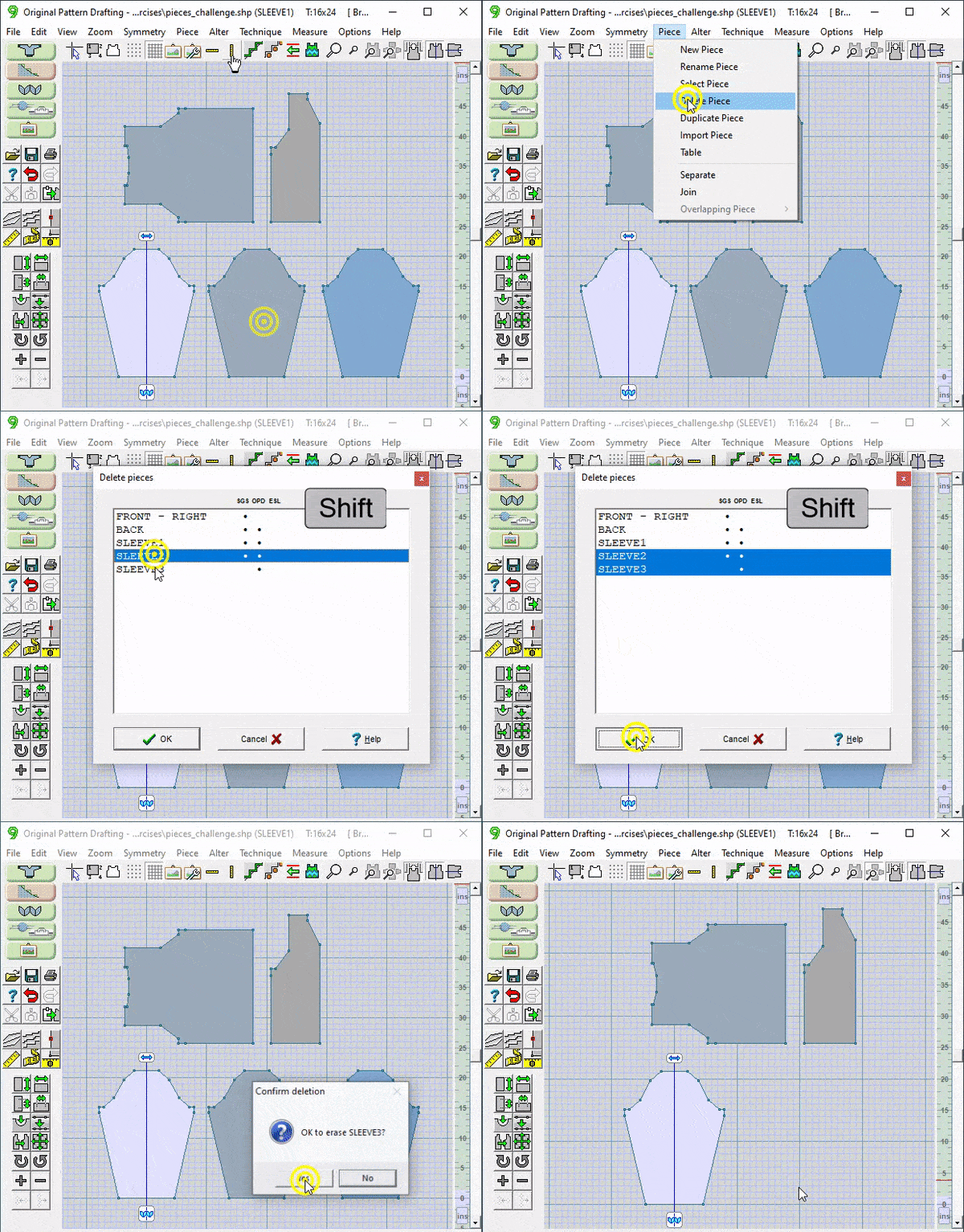


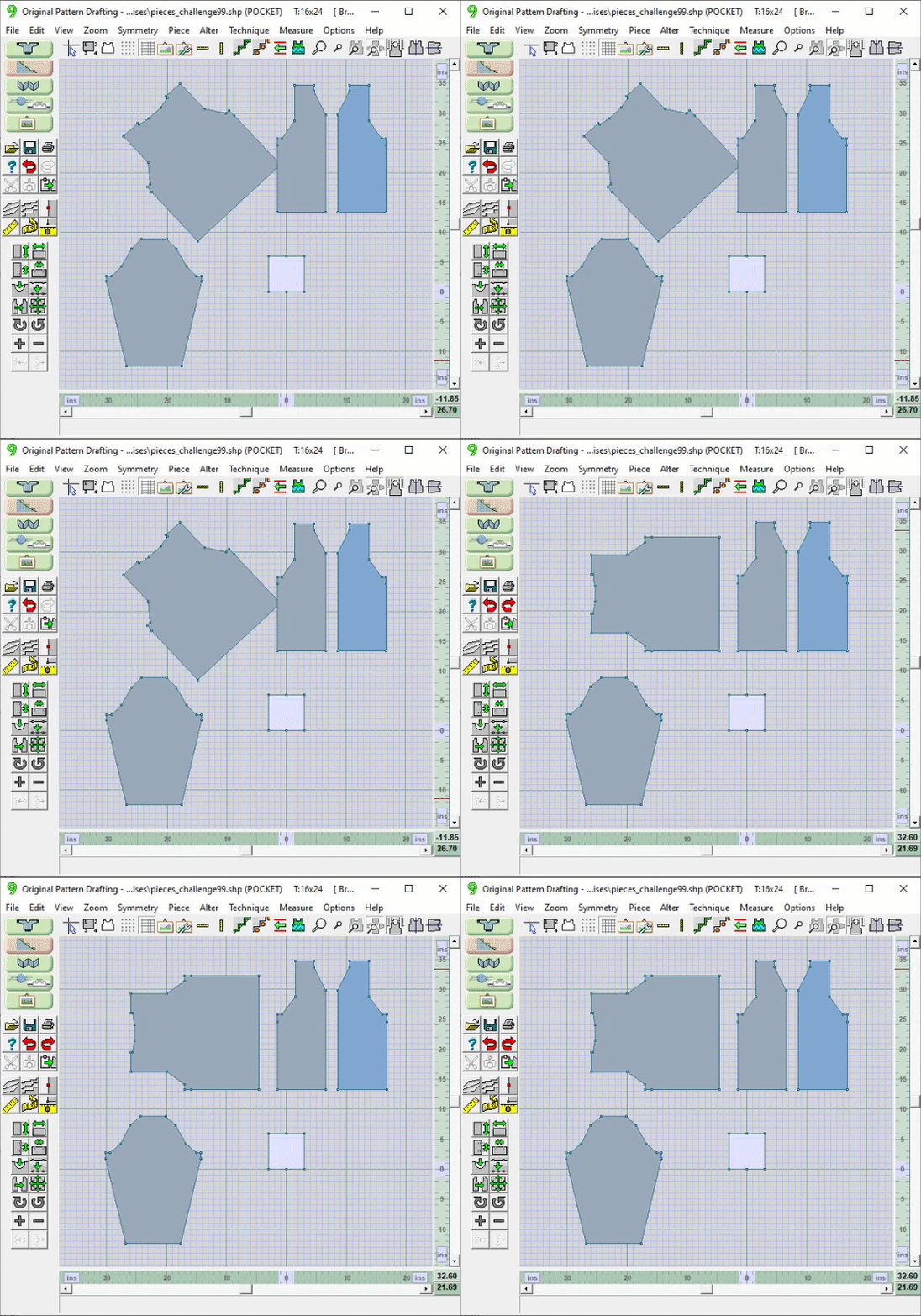
 Use the Undo tool
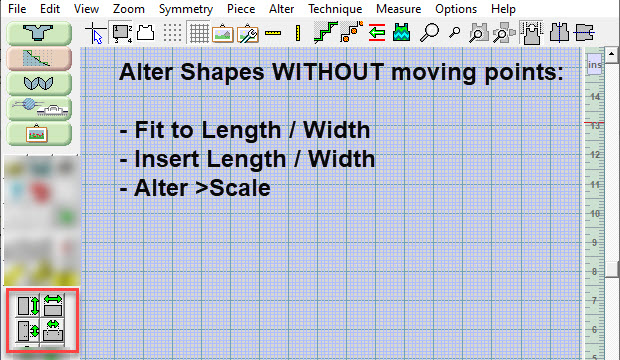
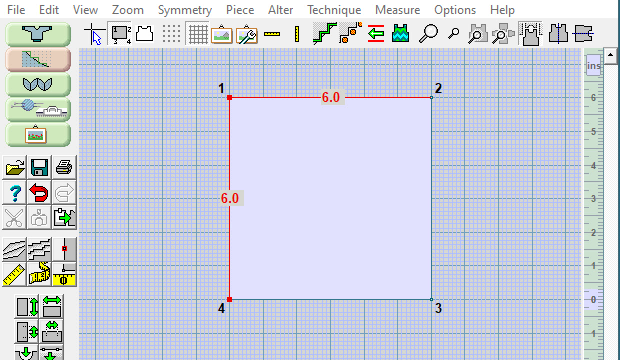
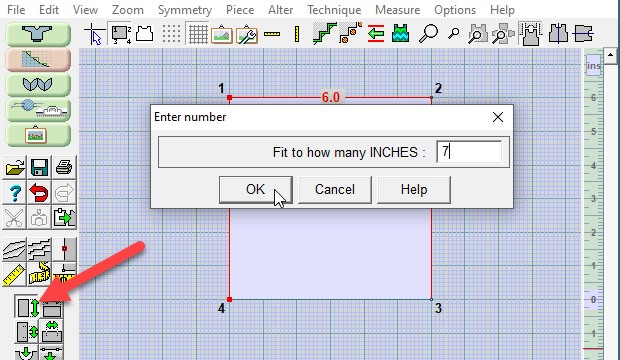
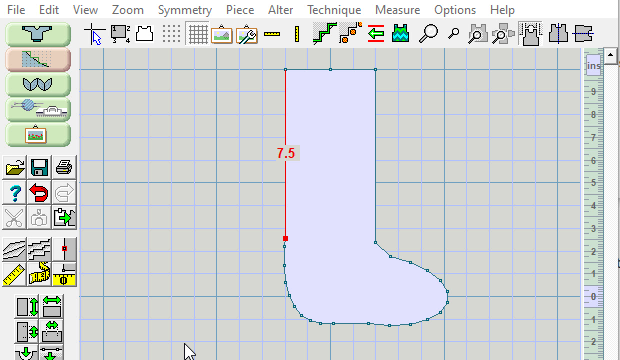
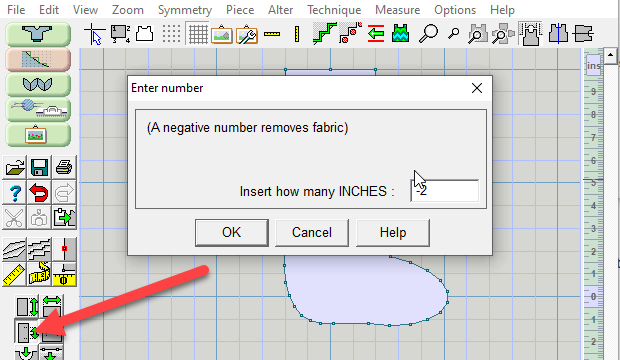
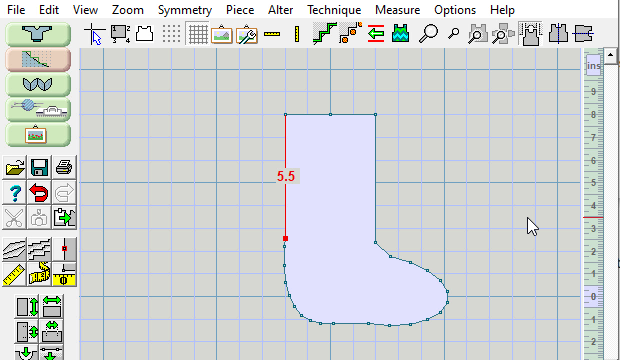
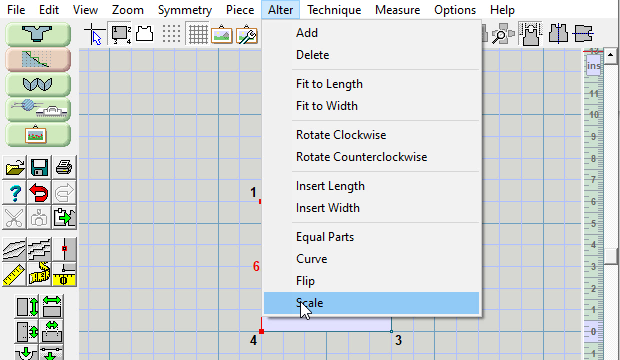
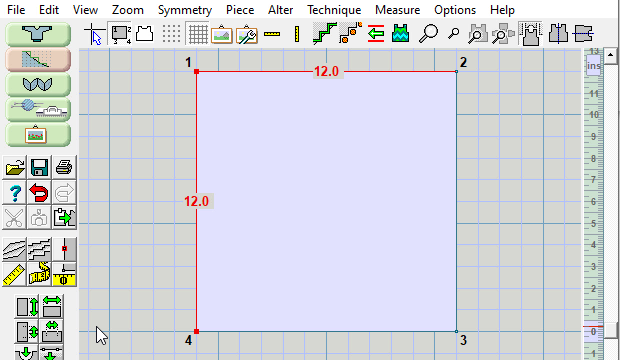
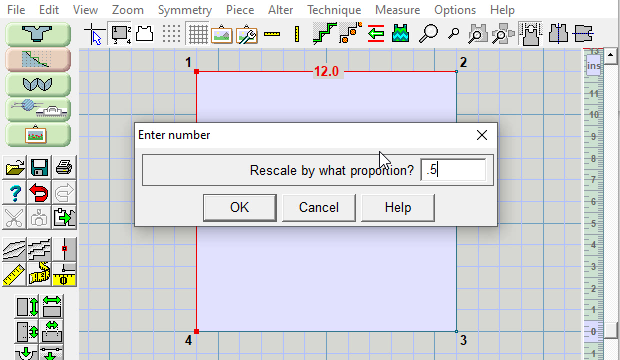
 Use the FIT TO LENGTH tool and enter the desired length
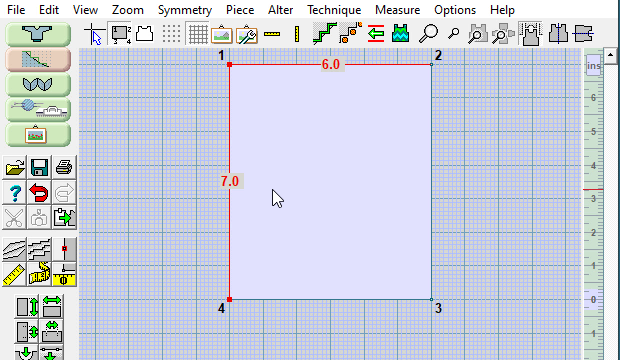
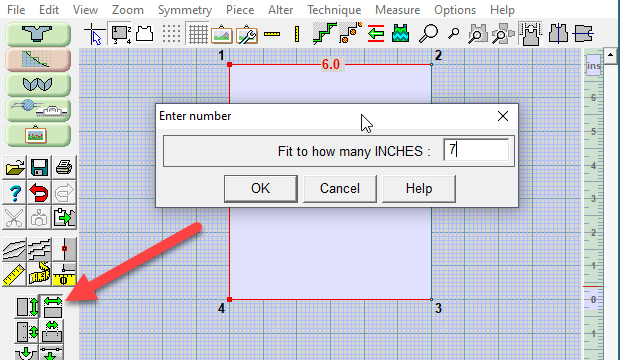
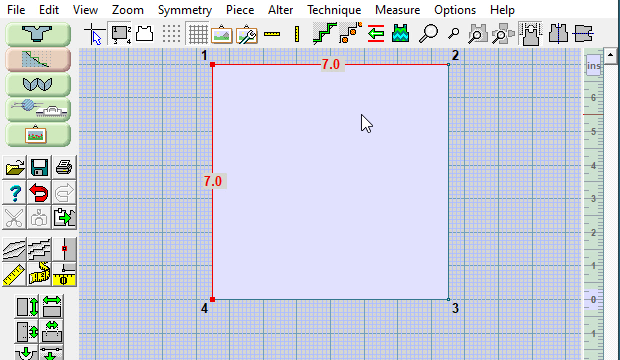
 Use the FIT TO WIDTH tool and enter the desired width
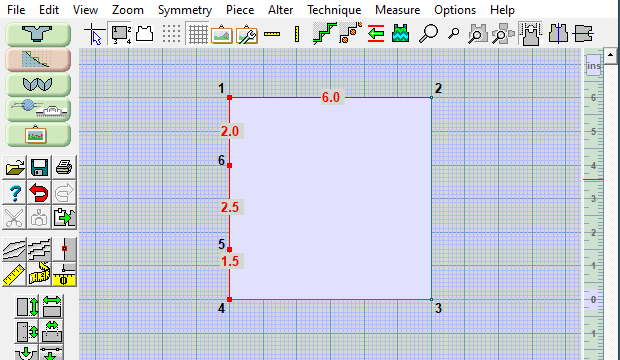
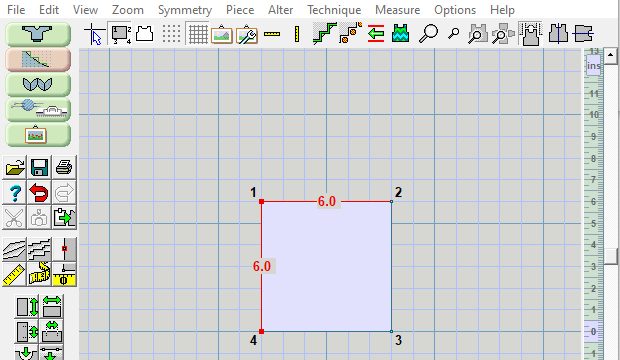

 This large cursor helps align points and use the rulers
 The "minus" button is a toggle, be sure to turn it off when you are done
 Ctrl Z will also undo the last action
 This is just personal preference
