The best way to understand Graphics Studio is to use it.
Here are exercises for common types of graphic conversions.
Watch as we convert our image
Follow the step-by-step videos
Then work through the Walk Through exercise of the same steps
Take the challenge with sample images
Convert an image your own
Start-to-Finish: Basic Conversions
File Management
It's important to understand Windows File Management.
DesignaKnit 9 now allows you to set the default folders to use for each of the sections.
Take time to identify or assign the folder where your Graphic Studio and Stitch Designer Files are stored.
Start-to-Finish: Basic Conversions
Basic Scan Conversion (Snowflake 1)
Don't just watch the video - Challenge yourself
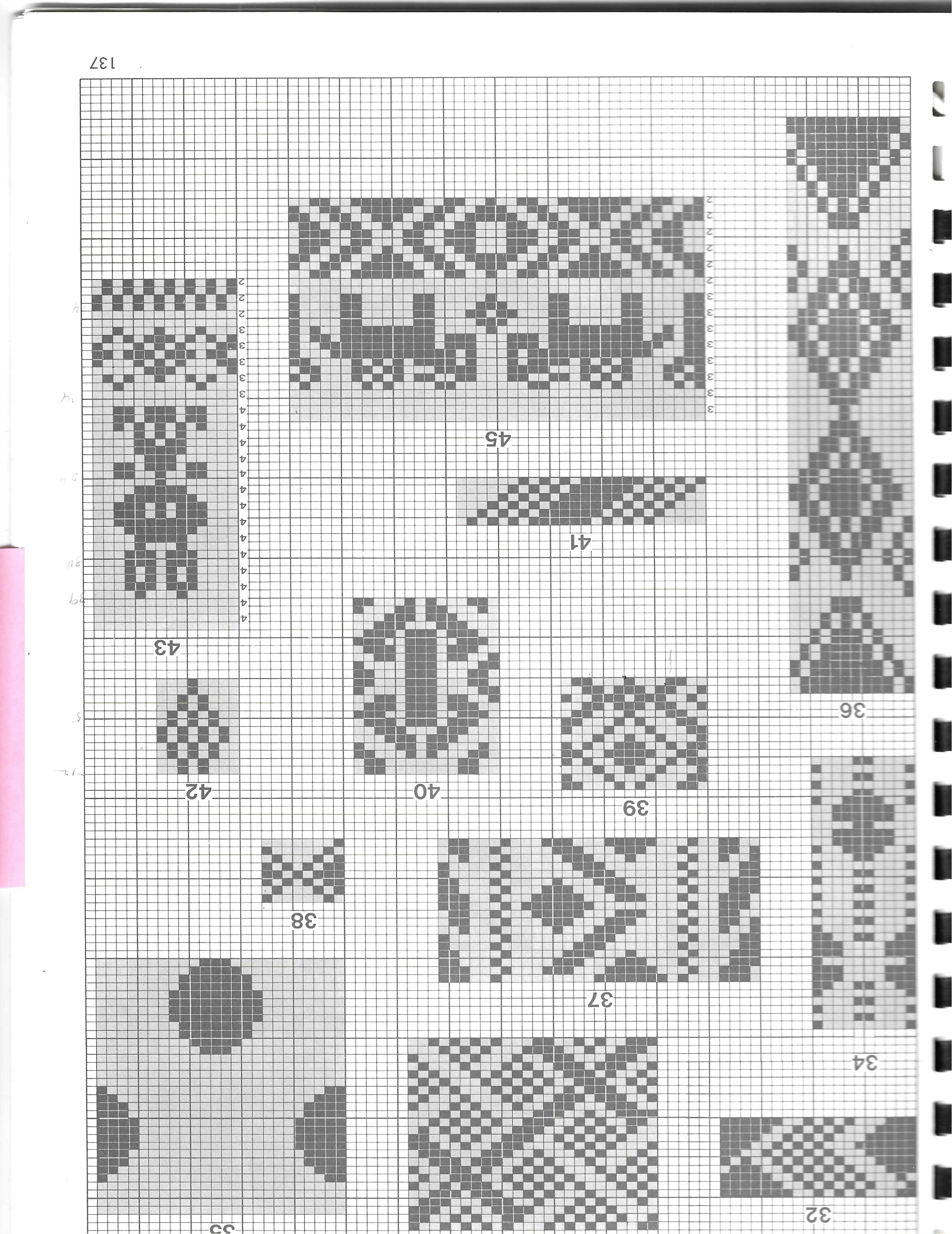
Use a "clean", simple punchcard and convert it to a stitch pattern file to use in Stitch Designer Download the Snowflake scan
Graphics Studio: Convert a stitch pattern
Start-to-Finish: Basic Conversions
Skewed Scan (Snowflake 2)
Don't just watch the video - Challenge yourself
Snowflake Practice 2
Start-to-Finish: Basic Conversions
Convert a Not-So-Perfect Scan
Don't just watch the video - Challenge yourself.
Using a no-so-perfect scan, isolate a single part of an image for conversion.