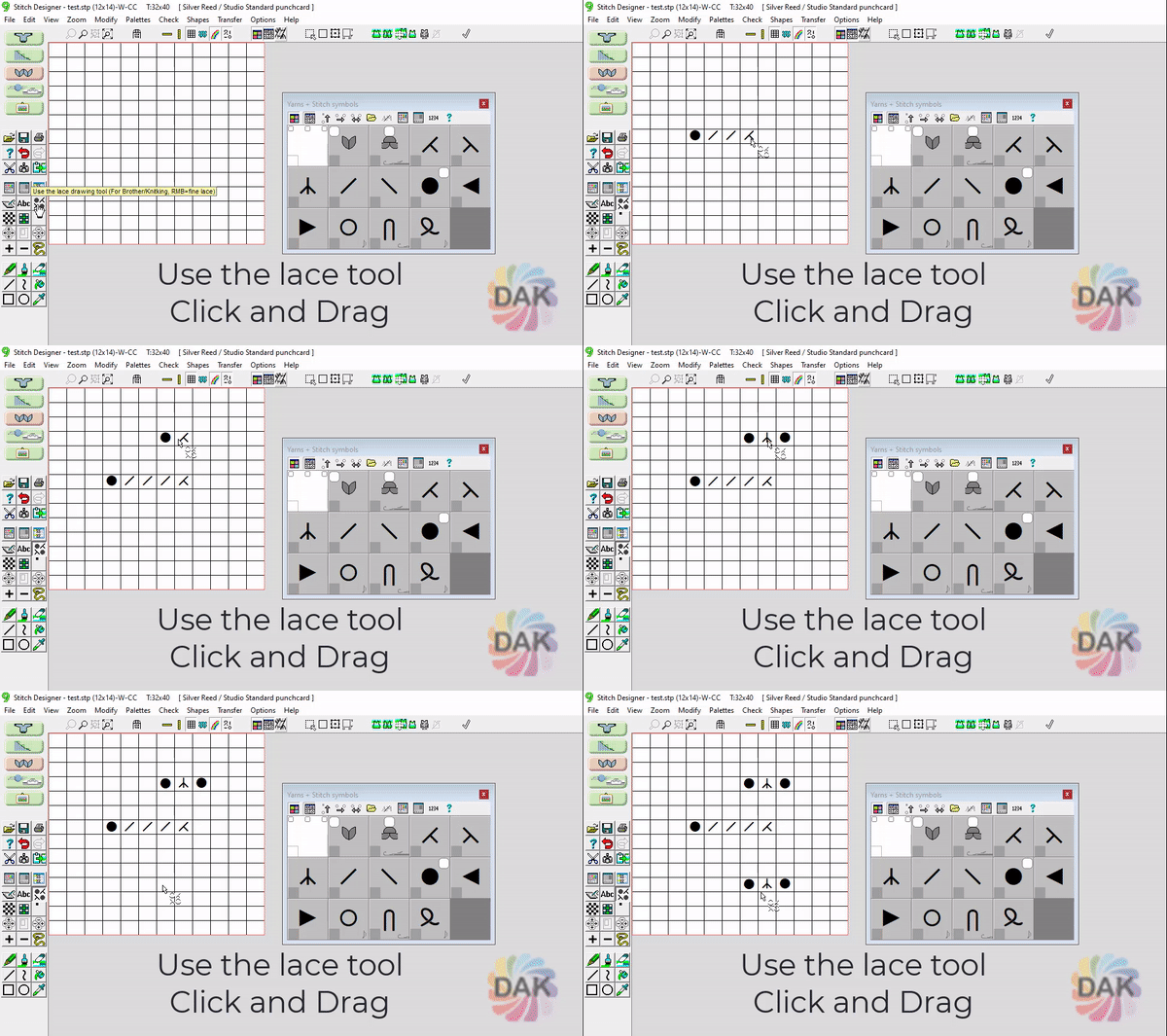
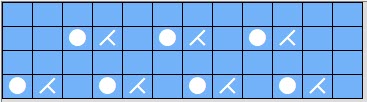
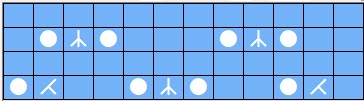
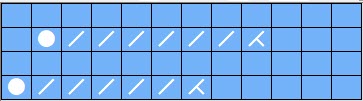
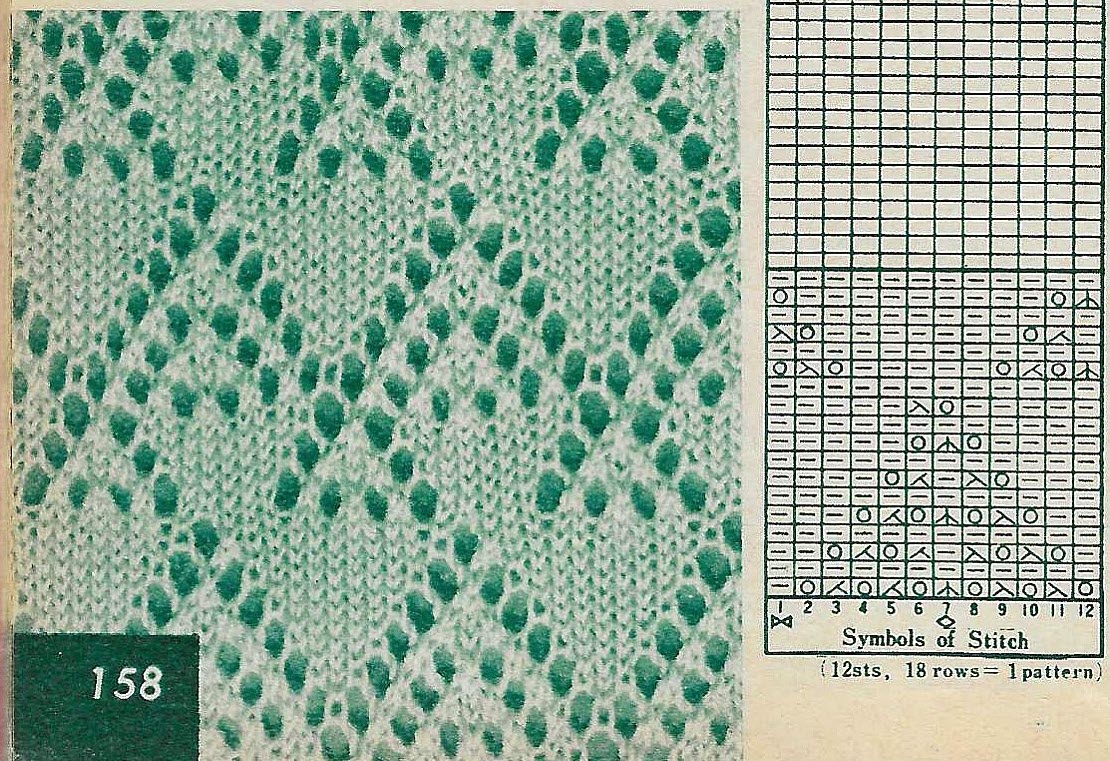
Copy a stitch pattern using all of the lace tools. Although this is similar
to creating other stitch types in Stitch Designer, it's important to understand
how the Lace Smart Symbols are different.
Once you understand the symbols, explore different ways to use them and learn
how they control your machine.
When getting started with lace in DesignaKnit, it's recommended that you begin
with very simple patterns. Learn the rules using basic transfers, transfers
moving in both directions, and more complex transfer sequences.
Create a Pattern Start-to-Finish
Copy a Stitch Pattern
Create a Pattern Start-to-Finish
Use the Smart Symbols: Singer/Silver
Create a Pattern Start-to-Finish
Use the Symbols: Brother
Create a Pattern Start-to-Finish
Your Turn: Try This
When getting started with the lace tool, it's recommended you start with very simple stitch patterns.