

NEW in 9
Graphics Studio
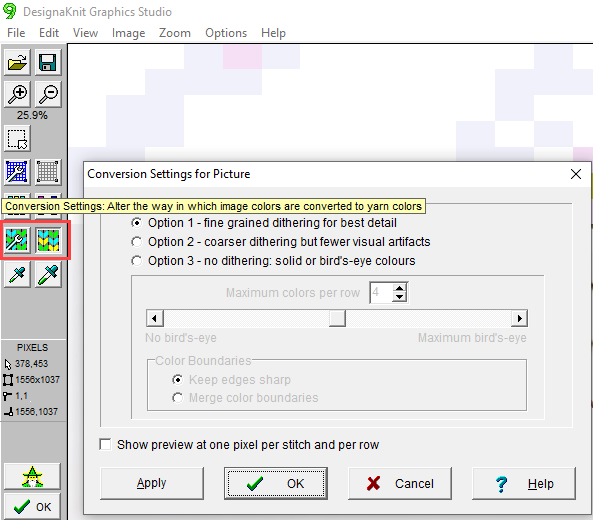
- Better Photo conversions
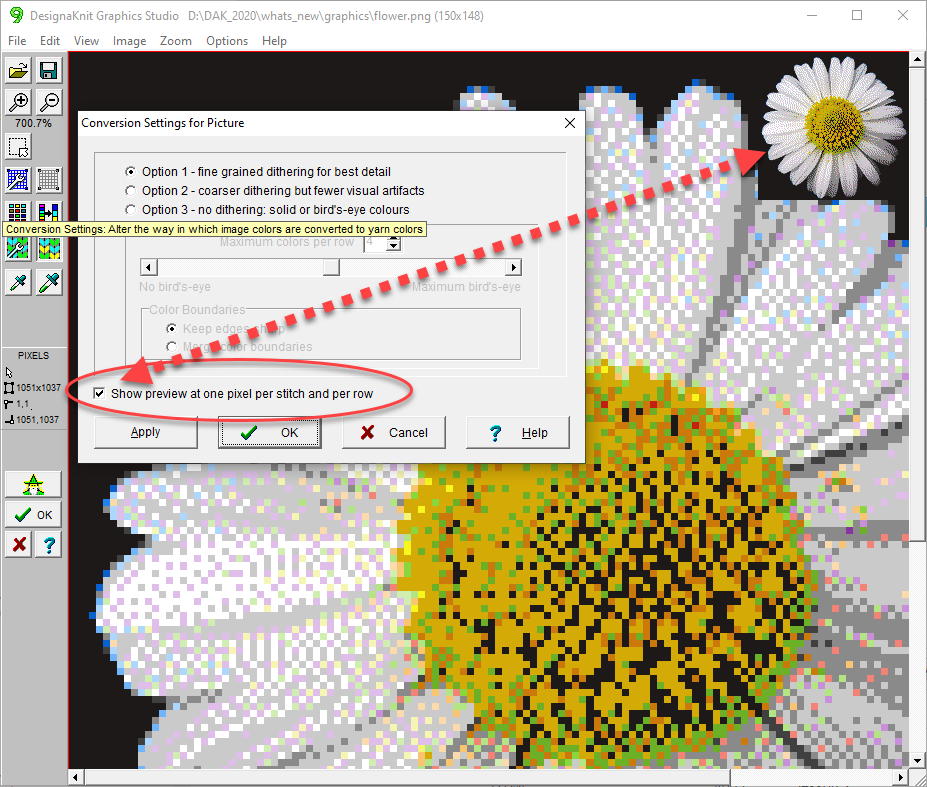
- Picture Conversion Preview
- Improved Color Distribution
- Tidy Image
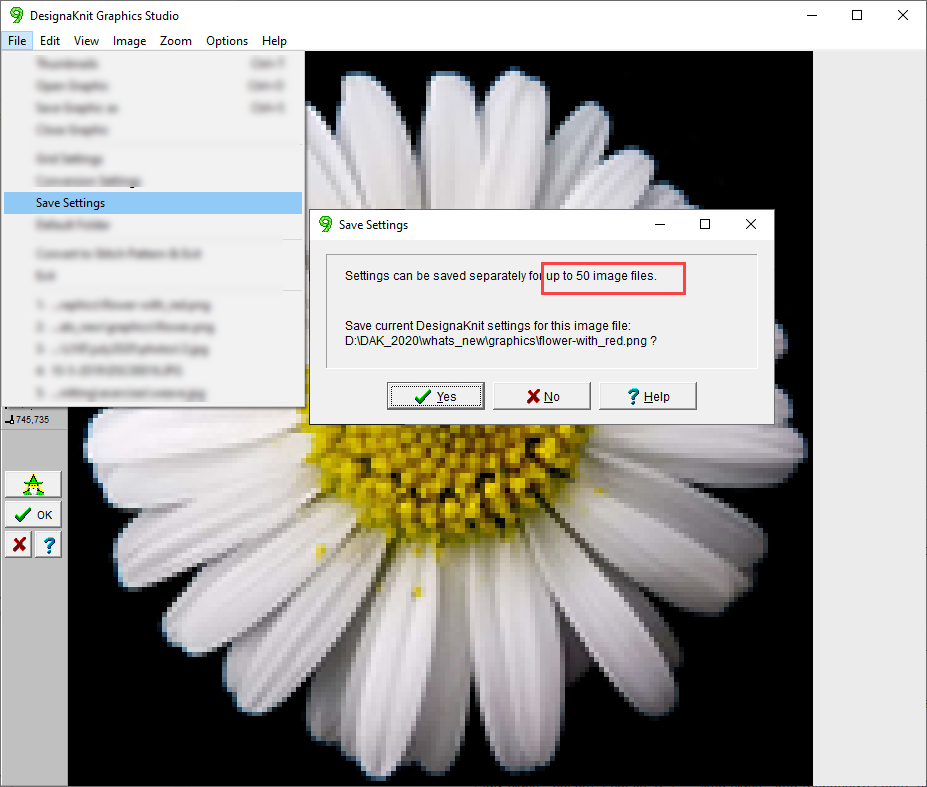
- Save Settings
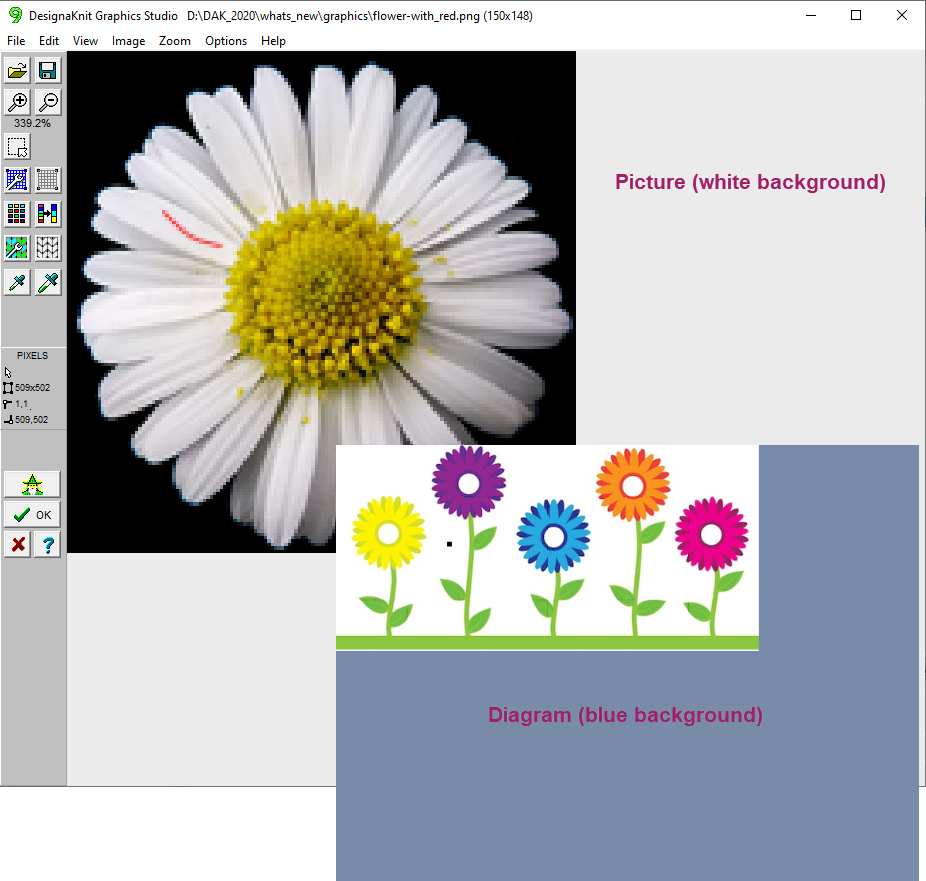
- Image Type Reminder
Checking your access…
Course: DAK 9 | What's New
What's New | Graphics Studio
What's New | Graphics Studio
What's New | Graphics Studio
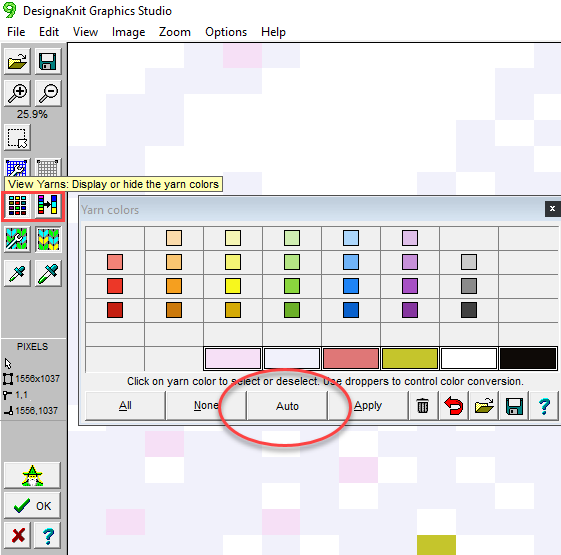
The yarn colors window now has an AUTO button which can be set to discover between 2 and 8 colors.
It automatically distributes colors to give the appearance of more colors.
What's New | Graphics Studio
What's New | Graphics Studio
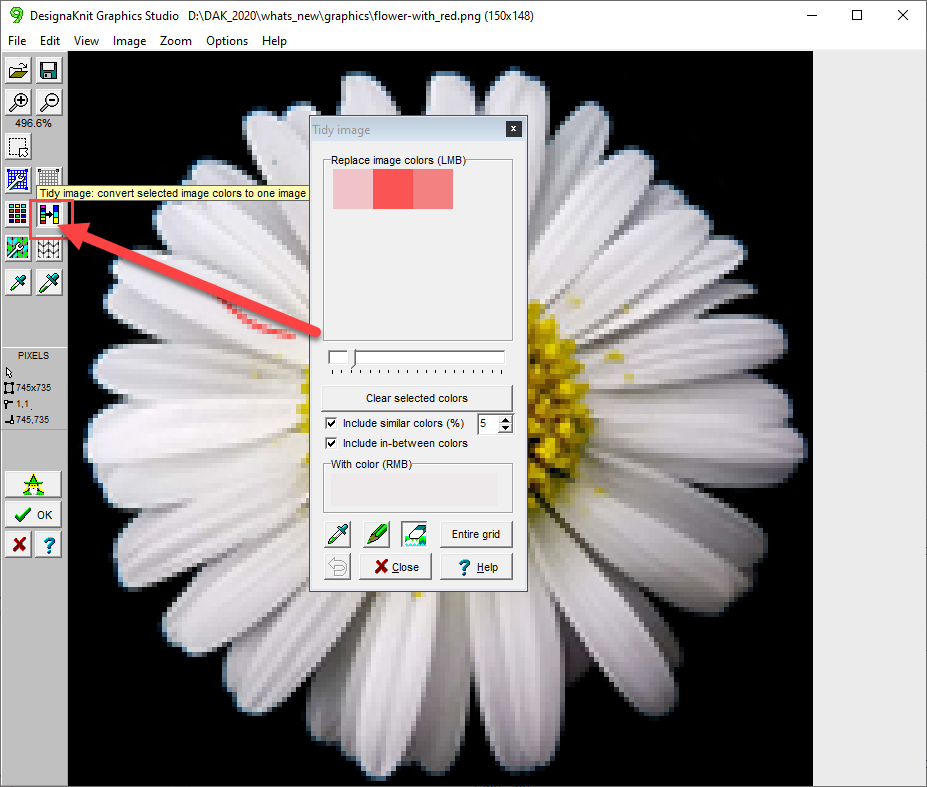
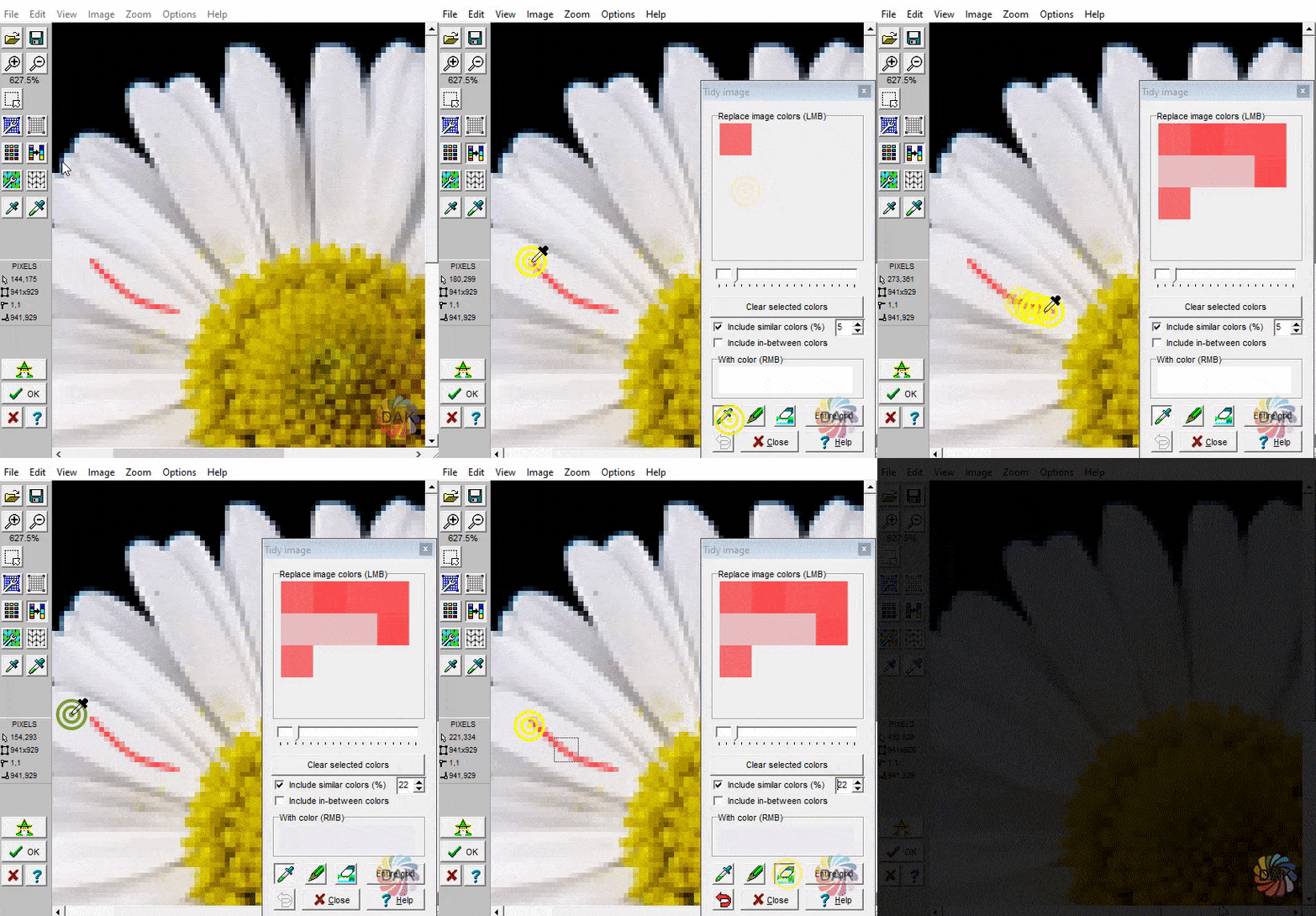
The Tidy Image tool enables changes to be made to an image before it is converted to a stitch pattern.
In converting images to knitting patterns, the goal is to keep the image as uncomplicated (color-wise) as possible. By "tidying" the image in advance, the tool will remove unwanted colors before conversion.
What's New | Graphics Studio
Select a lesson from the menu above to get started.
Welcome back. Log in to continue.
Need an account?